
MikroTik RouterOS VPS

Mikrotik virtual server

MikroTik virtual servers are in the best data centers in Europe, America, and Asia, and they have network infrastructures of up to 40 gigabits, which will provide you with a new experience with MikroTik virtual servers. MikroTik servers are supplied without a license, and the customer is responsible for obtaining a license.

میکروتیک MikroTik

What is MikroTik virtual server?

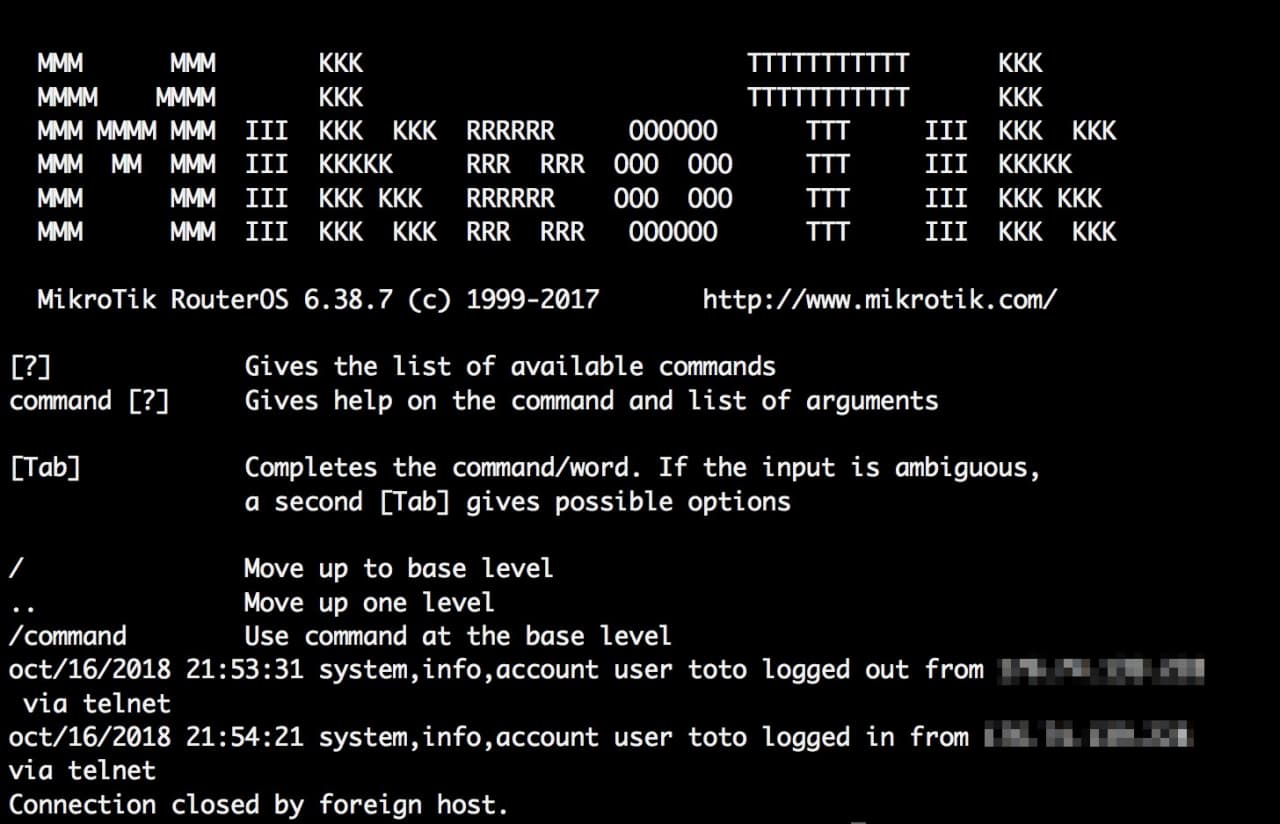
MikroTik virtual server uses the MikroTik RouterOS operating system. These types of servers are among the best and most widely used servers, and their most important purpose can be considered routing.

When buying a MikroTik virtual server, be careful that the operating system of this type of server is based on Linux and generally acts as a router. Of course, it should be noted that buying a MikroTik server in Iran or abroad is suitable for professional users. The following are some of the features, advantages and disadvantages of this type of server in brief.

MikroTik CHR L6 License Plans

Iran and Netherlands server

Data CenterPlanRAMCPUStorageTrafficPriceOrder
Nederland-FlagCHR-NL-00256MB1CPU8GB SSD10TB
Nederland-FlagCHR-NL-0512MB1CPU8GB SSD10TB
Nederland-FlagCHR-NL-11GB1CPU15GB SSD10TB
Nederland-FlagCHR-NL-22GB1CPU20GB SSD15TB
Nederland-FlagCHR-NL-34GB2CPU30GB SSD20TB
Nederland-FlagCHR-NL-46GB3CPU40GB SSD30TB

MikroTik virtual server with real IP from the Amsterdam Netherlands infrastructure data center, which has an L6 license and is provided with a real one-gigabit port.
Server virtualization is done with VMware and resources are provided separately to the servers.
There is the possibility of upgrading and higher plans based on user needs. It is also possible to provide Linux and Windows servers.

MikroTik server plans in different data centers

The following MikroTik services are provided without a license and the customer is responsible for obtaining a license.

Data CenterPlanRAMCPUStorageTrafficLocationPrice
سرورهای گرافیکی Amazon AWSLightsail - Micro1GB2CPU40GB SSD2TB14
LINODE-LOGO-N-01Linode 1GB1GB1CPU25GB SSD1TB10
digitalocean-logo-01s-1vcpu-1gb1GB1CPU25GB SSD1TB9
alibaba-cloud-n-01SWAS-C1M11GB1CPU40GB SSD2TB11

OVH-01VPS Starter2GB1CPU20GB SSDUnlimited8
hetznerCPX112GB2CPU40GB SSD NVMe 20TB3
logo-liteserver-fc-02SSD-2G2GB2CPU40GB SSD15TB1
Natro-turkey-minXCloud Mini1GB1CPU20GB SSDUnlimited1

MikroTik Virtual Server Uses

  • Service quality
  • Connection hosting
  • Press packages
  • Backup and recovery
  • Authentication
  • User Management
  • Dynamic Configuration Protocol
  • Load Balancing
  • Virtual Private Network
  • Multi-tenancy Label
  • Routing
  • Firewall
  • Wireless
  • Proxy server
  • Network Address Translation

Routing

  • Static routing
  • Virtual transportation routing
  • Policy-based routing
  • Interface routing
  • ECMP routing
  • Dynamic Routing Protocol

Firewall

  • Filtering
  • Specify source and destination
  • Internal connection, routing, closed signs
  • Blacklist
  • IPv6 support
  • Bypass data tracking (RAW)

Proxy

  • Supports storage on a separate drive
  • Access control list
  • Storage list
  • HTTP cache proxy server
  • SOCKS protocol support
  • DNS

Wireless

  • NV2 protocol
  • Wireless Distribution System WDS
  • Access Point
  • Manual checklist

Virtual Private Network (VPN)

  • Hardware encryption support
  • IKEv2 support
  • public-private partnership(PPP)
  • IPIP support

Mikrotik installation and setup 

  • Installation on a virtual server
  • Network card-based installation
  • Installing on a secondary drive
  • Installation via CD

MikroTik server licenses

Before renting a MikroTik server, you should know that licenses are graded into six levels. Level 6 is perfectly suitable for large and extensive networks, and lower levels will be suitable and responsive for smaller networks.

Graphical interface for configuration

  1. Using a web browser (HTTP)
  2. Under Windows using Winbox software

MikroTik’s main product is a Linux-based operating system, and the license must be purchased as a CHR.

Installing and setting up this operating system is very quick and easy and is mostly used for remote communication via tunnel or VPN. Also, by installing and setting up MikroTik, it can be turned into a powerful router and benefit from its firewall and other features.