







- Why implement RAID in a server?
- Basic concepts and types of RAID
- Designing and selecting the right RAID based on user needs
- Implementing Hardware RAID — Steps and Administration Commands
- Implementing Software RAID (mdadm) — Linux Practical Examples
- ZFS and Btrfs — Advanced options with checksumming and scrubbing
- Performance, alignment, and filesystem tips
- Monitoring, health check, and alert scripts
- Risks, backups, and data security
- Practical Scenarios: Quick Examples and Troubleshooting Guides
- Final tips and best configurations based on our services
- Frequently Asked Questions
Why implement RAID in a server?
Proper implementation of RAID in server and data center environments has goals such as: Increased access, Improved I/O performance and Capacity increase This implementation is particularly important for trading VPS servers, gaming servers, GPU servers for AI and rendering, and database environments.
Basic concepts and types of RAID
What is RAID and why is it used?
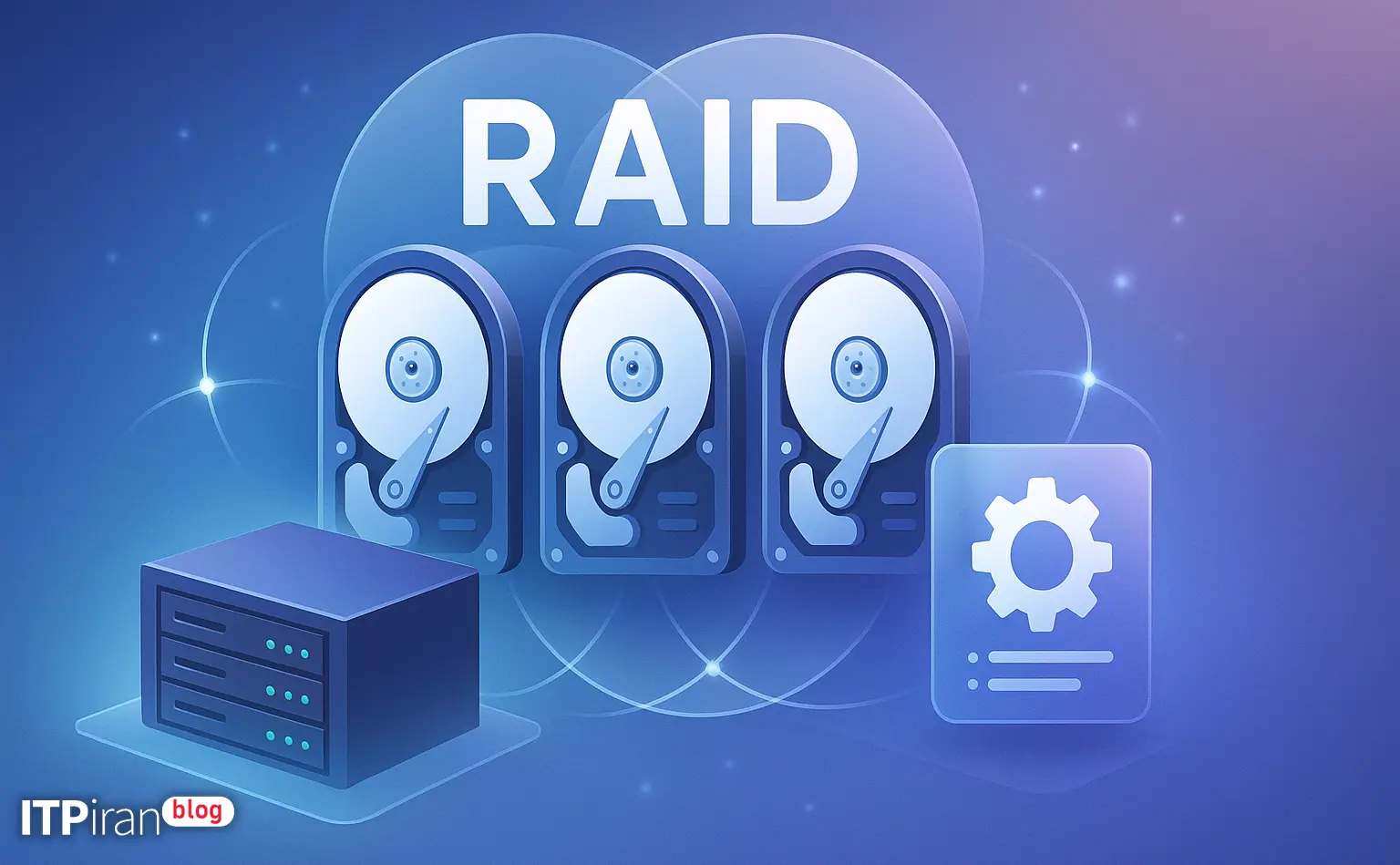
RAID (Redundant Array of Independent Disks) presents a collection of disks as a logical unit to achieve the following goals:
- Increase Redundancy and fault tolerance (redundancy)
- Improvement Performance Read/Write
- Combining disks to increase Capacity
Common RAID levels and their uses
- RAID 0: Striping; high performance, no redundancy — good for temporary caches and rendering. There is a risk of data loss.
- RAID 1: Mirroring; simple redundancy and fast read access.
- RAID 5: Striping with parity (minimum 3 disks) — economical storage with tolerance for one failed disk.
- RAID 6: Similar to RAID5 with two parity — tolerates two failed disks; suitable for large disks.
- RAID 10 (1+0): Combination of mirroring and striping — high performance and strong redundancy; suitable for sensitive databases and high IOPS VPS.
- RAID 50/60 and other arrangements: For scalability and fault tolerance in large environments.
Hardware RAID vs. Software RAID
General advantages and disadvantages:
- Hardware RAID (Controller with BBU/FBWC, cards) LSI/Broadcom/MegaRAID, HP Smart Array): Parity processing in the controller, battery/flash cache support, CPU offload, advanced management, and features like rebuild and patrol. Suitable for production and database servers.
- Software RAID (mdadm, ZFS, Btrfs): Hardware independent, transparent, cheaper and flexible. Can be a good option in cloud servers and VPS.
Designing and selecting the right RAID based on user needs
Transactional databases (MySQL/Postgres)
Recommendation: RAID10 With SSD or NVMe for high random IOPS. Use a controller with write-back cache and BBU or SLOG in ZFS for small writes.
Recommended configuration: 4x NVMe in RAID10, OS and WAL isolation (if possible) or use LVM snapshot/replication.
Web servers and file servers
Recommendation: RAID1 For OS and small critical content, or RAID10 For high volume and moderate read/write. For CDN/static, using a cache and distributed layer is recommended.
Game servers and gaming VPS
Need low ping and low latency I/O. Recommendation: NVMe or SSD in RAID1 for stability; use RAID10 for high throughput or RAID0 if you accept the risk and have regular backups.
Artificial Intelligence and Rendering
For scratch and training, high throughput is important. Suggestion: RAID0 Or RAID10 On NVMe for temporary space (with external backup). For durable data it is better to use RAID10 or a distributed system like Ceph Or Gluster To be used.
Implementing Hardware RAID — Steps and Administration Commands
Controller selection and hardware tips
Choosing common brands: Broadcom/LSI MegaRAID, Adaptec, HP Smart Array, Intel RAID (For commercial servers).
Having BBU Or Flash-Backed Write Cache is necessary to enable secure write-back caching.
Note: Traditional SATA/SAS controllers typically do not handle NVMe; for NVMe, use an NVMe hardware RAID or software solution.
Configuration in BIOS/Firmware
Entering the controller utility (e.g. MegaRAID BIOS CLI or UEFI) and creating a Virtual Disk with tools such as storcli.
storcli /c0 show
storcli /c0 /eall /sall show
storcli /c0 add vd type=raid1 drives=252:1,252:2
Note: The numbers depend on your controller mapping.
Hardware monitoring and maintenance
Tools: storcli, megacli (old), arcconf, hpacucli, ipmitool For hardware monitoring.
Enabling notifications via email/SNMP, using hot spares, and testing RAID controller health are recommended.
Implementing Software RAID (mdadm) — Linux Practical Examples
Installation and preparation
sudo apt update && sudo apt install -y mdadm
# RHEL/CentOS
sudo yum install -y mdadm
Creating an mdadm array
Example of creating RAID1, RAID5 and RAID10:
mdadm --create --verbose /dev/md0 --level=1 --raid-devices=2 /dev/sda /dev/sdb
mdadm --create --verbose /dev/md0 --level=5 --raid-devices=3 --chunk=64K /dev/sda /dev/sdb /dev/sdc
mdadm --create --verbose /dev/md0 --level=10 --raid-devices=4 /dev/sda /dev/sdb /dev/sdc /dev/sdd
Format, mount, and permanent configuration
Example of creating a filesystem and adding it to fstab:
mkfs.xfs -f /dev/md0
# یا
mkfs.ext4 /dev/md0

blkid /dev/md0
# سپس UUID را در /etc/fstab اضافه کنید

mdadm --detail --scan >> /etc/mdadm/mdadm.conf
# Debian/Ubuntu
update-initramfs -u
Management and recovery
Frequently used commands:
mdadm --detail /dev/md0
mdadm --manage /dev/md0 --add /dev/sdc
mdadm --manage /dev/md0 --fail /dev/md0 /dev/sdb
mdadm --manage /dev/md0 --remove /dev/md0 /dev/sdb

# تنظیم سرعت بازسازی (rebuild)
echo 10000 > /proc/sys/dev/raid/speed_limit_min
cat /proc/mdstat
ZFS and Btrfs — Advanced options with checksumming and scrubbing
Benefits
ZFS: checksumming, scrub, RAIDZ/RAIDZ2, snapshot, compression, ARC/L2ARC, SLOG; suitable for sensitive data and large storage.
ZFS sample commands
zpool create tank mirror /dev/sda /dev/sdb
zpool create data raidz2 /dev/sda /dev/sdb /dev/sdc /dev/sdd

# اسکراب و بررسی وضعیت
zpool scrub tank
zpool status
Performance, alignment, and filesystem tips
Chunk size and stripe size
It is important to choose chunk/stripe according to the workload: for DBs with small IO use 16K or 32K chunks and for large files use 128K or 256K.
Coordination between the chunk size in mdadm and the stripe hardware controller is essential.
Mounting options and tuning
General options: no time, nodiratime For XFS or ext4. For NVMe/SSD ensure TRIM/Discard and set scheduler (e.g. noop or mq-deadline).
echo noop > /sys/block/sda/queue/scheduler
# برای فعالسازی discard هنگام mount:
mount -o discard /dev/md0 /mntMonitoring, health check, and alert scripts
Recommended tools
- smartctl To check SMART disks (with the -d megaraid,N parameter for disks behind the controller).
- mdadm –monitor To monitor md arrays.
- Use SNMP, Zabbix, or Prometheus for long-term monitoring.
smartctl -a /dev/sda
smartctl -a -d megaraid,0 /dev/sda

mdadm --monitor --scan [email protected]
Risks, backups, and data security
RAID is not a replacement for backup.
RAID is designed for redundancy and availability, not a replacement for backup. It is important to have offsite backups, periodic snapshots, and restore testing.
Off-server backups are essential for true recovery after logical or catastrophic events.
Encryption and security
Use of LUKS It is recommended to encrypt disks on a RAID array to protect data in case the drive is stolen. Consider key management via KMS or HSM in cloud environments.
Tips for large disks (URE and rebuild)
As disk capacity increases, the likelihood of encountering URE Increases during rebuild; RAID6 or RAID10 is recommended for large disks.
Practical Scenarios: Quick Examples and Troubleshooting Guides
Scenario 1 — One disk in RAID1 fails
General steps for mdadm:
mdadm --detail /dev/md0
mdadm --manage /dev/md0 --fail /dev/md0 /dev/sdb
mdadm --manage /dev/md0 --remove /dev/md0 /dev/sdb
mdadm --manage /dev/md0 --add /dev/md0 /dev/sdc
Scenario 2 — Long rebuild on RAID5 with 8TB disk
To check and improve rebuild time:
cat /proc/mdstat
# افزایش موقت سرعت بازسازی
echo 20000 > /proc/sys/dev/raid/speed_limit_min
echo 50000 > /proc/sys/dev/raid/speed_limit_max
Final tips and best configurations based on our services
- Sensitive databases: Dedicated or bare-metal server with hardware RAID (BBU/FBWC) or ZFS with mirror vdev, NVMe or enterprise SSD.
- Artificial Intelligence and Rendering: Graphics server (GPU) with high NVMe and RAID10 or RAID0 for scratch; final storage on RAID10 or distributed pool.
- VPS Trading and Gaming: VPS plans with NVMe and RAID options suitable for stability and low latency, in over 85 global locations They are configurable.
- Network Security: Use anti-DDoS servers and BGP network to increase availability against attacks.
Summary: RAID is a key tool for increasing storage stability and efficiency, but it requires the right RAID level selection, proper implementation (hardware or software), continuous monitoring, and a robust backup plan. For critical workloads like transactional databases and financial services, consider RAID10 or ZFS Mirror; for large volumes with higher fault tolerance, consider RAID6 or raidz2; for AI and rendering, use RAID0/10 for staging space, and use distributed solutions for large datasets.