







- How can a complete and secure Docker container be moved to another server?
- Generalities and prerequisites
- Backup and Migration Strategies — Choosing the Right Method
- Scenario 1 — Local image and named volume (e.g. web app + MySQL)
- Scenario 2 — Container with bind mount (host folder)
- Scenario 3 — Zero-Downtime Migration for Sensitive Databases
- Comparison of transfer options (advantages/disadvantages)
- Security Tips (Very Important)
- Practical tips and optimization for big data
- Docker compatibility and versions
- Choosing a location and server type for migration
- Complete example: Web + MySQL migration with docker-compose
- Final checklist before cutover
- Frequently Asked Questions
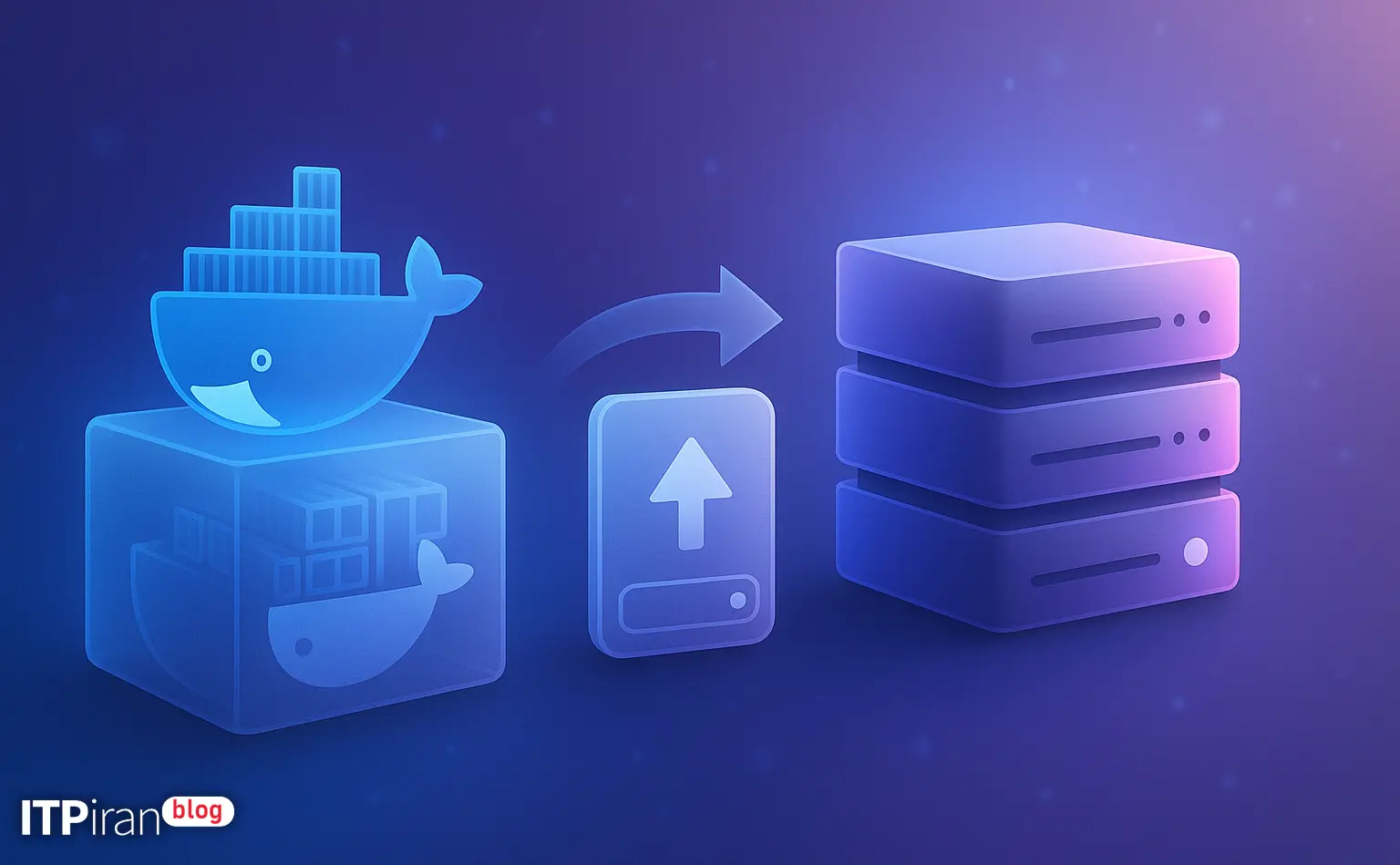
How can a complete and secure Docker container be moved to another server?
A complete backup and migration of a Docker container involves three main components: image, data (volumes or bind mounts) and Configuration/Metadata. This step-by-step guide describes safe, error-free, and reversible methods for migrating containerized services (including web apps and databases).
Generalities and prerequisites
Before you begin, make sure you have the following:
- SSH access to both servers with the appropriate user or root.
- Install Docker (and docker-compose if needed) on the source and destination. Quick installation example:
curl -fsSL https://get.docker.com | sh
# or follow your distribution guide- Check for sufficient disk space for archives.
- SSH key for secure transfer and tools like rsync Or SCP-1811.
- Planning for service outage scheduling or low-delay methods.
Initial commands to check:
docker ps -a
docker volume ls
df -h
du -sh /var/lib/docker/volumes/*
Backup and Migration Strategies — Choosing the Right Method
Three key components for a complete transition:
- Image Container (code/binaries)
- Stable data (volumes or bind mounts)
- Configurations and metadata (docker-compose.yml, env files, networks, secrets)
Common methods:
- docker export / docker import: Includes the container filesystem but does not transfer metadata and named volumes.
- docker save / docker load: Suitable for created images.
- Backing up volumes As tar and transfer with rsync/scp or upload to S3.
- Using a private registry For push/pull images.
- Use management tools Like docker-compose or Kubernetes to rebuild the service with definitions.
Scenario 1 — Local image and named volume (e.g. web app + MySQL)
Assumption: Web container and MySQL with volume named mysql_data. Steps in order:
1) Getting the container image
If you have a local image or changes have been made to the container, first find the image name and container ID and commit and save the container if needed.
docker ps --no-trunc --format '{{.Image}} {{.ID}}'
docker commit CONTAINER_ID myapp:backup-2026-07-14
docker save -o /tmp/myapp_backup_image.tar myapp:backup-2026-07-14
2) Named volume backup
Safe method with a helper container that tars the volume contents on the host:
docker run --rm \
  -v mysql_data:/data \
  -v /tmp/backup:/backup \
  ubuntu \
  bash -lc "cd /data && tar czf /backup/mysql_data.tar.gz ."
For large data, you can use a faster compressor like zstd:
docker run --rm -v mysql_data:/data -v /tmp/backup:/backup ubuntu bash -lc "cd /data && tar -I 'zstd -19' -cf /backup/mysql_data.tar.zst ."3) Database backup (preferred)
To ensure database consistency and integrity, it is best to take a logical dump:
docker exec CONTAINER_ID sh -c 'exec mysqldump --all-databases --single-transaction -u root -p"$MYSQL_ROOT_PASSWORD"' > /tmp/all_databases.sqlExplanation: This method removes the dependency on the volume filesystem and produces a healthy logical dump.
4) Transfer to the destination server
Using rsync is recommended for secure and continuous transfers, especially for large files.
rsync -avP -e "ssh -p 22" /tmp/myapp_backup_image.tar user@target:/tmp/
rsync -avP -e "ssh -p 22" /tmp/mysql_data.tar.gz user@target:/tmp/
Or simpler with scp:
scp /tmp/myapp_backup_image.tar user@target:/tmp/Note: For large transfers, use rsync --partial --progress or tools like rclone to S3/MinIO.
5) Restore to the destination server
Upload the image and restore the volume, then start the service with docker-compose:
docker load -i /tmp/myapp_backup_image.tar
docker volume create --name mysql_data
docker run --rm -v mysql_data:/data -v /tmp/backup:/backup ubuntu bash -lc "cd /data && tar xzf /backup/mysql_data.tar.gz"
If you used SQL dump, create a temporary mysql container and do the import:
docker run --name mysql-temp -e MYSQL_ROOT_PASSWORD=yourpassword -d mysql:8
cat /tmp/all_databases.sql | docker exec -i mysql-temp sh -c 'mysql -u root -p"$MYSQL_ROOT_PASSWORD"'
Then place the docker-compose.yml and env files and start the service:
docker-compose -f docker-compose.yml up -d6) Testing and review
Don't forget to check logs, data integrity, and checksums:
docker logs -f CONTAINER
sha256sum /tmp/mysql_data.tar.gz
sha256sum /tmp/backup/mysql_data.tar.gz
Scenario 2 — Container with bind mount (host folder)
If the container uses bind mount (e.g. /srv/app/data on the host), simply rsync or tar the host path, prepare the same path on the destination, and start the container.
rsync -avP -e "ssh" /srv/app/data/ user@target:/srv/app/data/Then start the container on the destination with the same bind mount path.
Scenario 3 — Zero-Downtime Migration for Sensitive Databases
To reduce service interruptions:
- Replication Implement (MySQL replication or PostgreSQL streaming) and perform cutover after synchronization.
- Initial and final rsync: Initial rsync for heavy data, then final rsync with –inplace and –delete to sync small changes.
rsync -azP --delete --inplace /var/lib/docker/volumes/mysql_data/_data/ user@target:/var/lib/docker/volumes/mysql_data/_data/After the final rsync, stop the service for a few seconds and then bring it up on the destination.
Comparison of transfer options (advantages/disadvantages)
- docker save/load: Fast for images, but does not include volumes.
- docker export/import: Includes container filesystem but loses metadata and volumes.
- rsync on volumes: Precise control and resume, but requires management and testing.
- Logical database dump: Reliable and suitable for migration between different DB versions.
- Private registry: Best practice for distributing images across multiple servers; persistent data should be transferred separately.
Security Tips (Very Important)
Some practical security tips:
- Use SSH with a protected private key and access restrictions.
- Protect sensitive data before transmission with tools such as gpg Or age Encrypt. Example:
gpg --encrypt --recipient [email protected] /tmp/mysql_data.tar.gzAfter transferring, always verify the integrity of the files with sha256sum Check.
At the destination, before bringing up the service, check the firewall and port restrictions and set strict access restrictions if necessary.
Practical tips and optimization for big data
- Compression With zstd or gzip with the appropriate level: tar -I 'zstd -19' -cf backup.tar.zst /data
- Use rsync with --partial to resume if the connection is unstable.
- For transfers of multiple terabytes, consider shipping physical disks or using object storage close to the destination.
Docker compatibility and versions
Check the source and destination Docker versions before migrating. Usually the images are compatible, but some new features in Compose or drivers may require adaptation.
Choosing a location and server type for migration
The choice of data center location and server type depends on the application:
- Trading and Forex: Location close to exchange servers for lowest ping.
- Game: Convenient locations in Europe/US or close to players with Anti-DDoS.
- Artificial Intelligence and Rendering: GPU and NVMe servers for high IO.
- Websites: Cloud server with CDN and location close to main users.
Our company offers over 85 global locations, GPU servers, and BGP networking that can cover a variety of migration needs.
Complete example: Web + MySQL migration with docker-compose
Summary of steps:
- Output of docker-compose configuration and local image creation:
docker-compose -f docker-compose.yml config > /tmp/compose_config.yml
docker-compose build
docker save $(docker-compose images -q web) -o /tmp/web_image.tar- Backup volumes:
docker run --rm -v project_mysql:/data -v /tmp/backup:/backup ubuntu bash -lc "cd /data && tar czf /backup/mysql_data.tar.gz ."- Transfer files to the destination with rsync and then restore and run docker-compose on the destination.
Final checklist before cutover
- The image and volumes have been backed up and the checksum has been verified.
- env and secrets are secured or vaulted.
- Docker and Compose versions have been checked.
- The destination network and firewall are configured.
- The rollback scenario is defined.
- The definitive schedule has been announced and monitoring is ready.