







How to manage firewalls and nftables from basic to advanced?
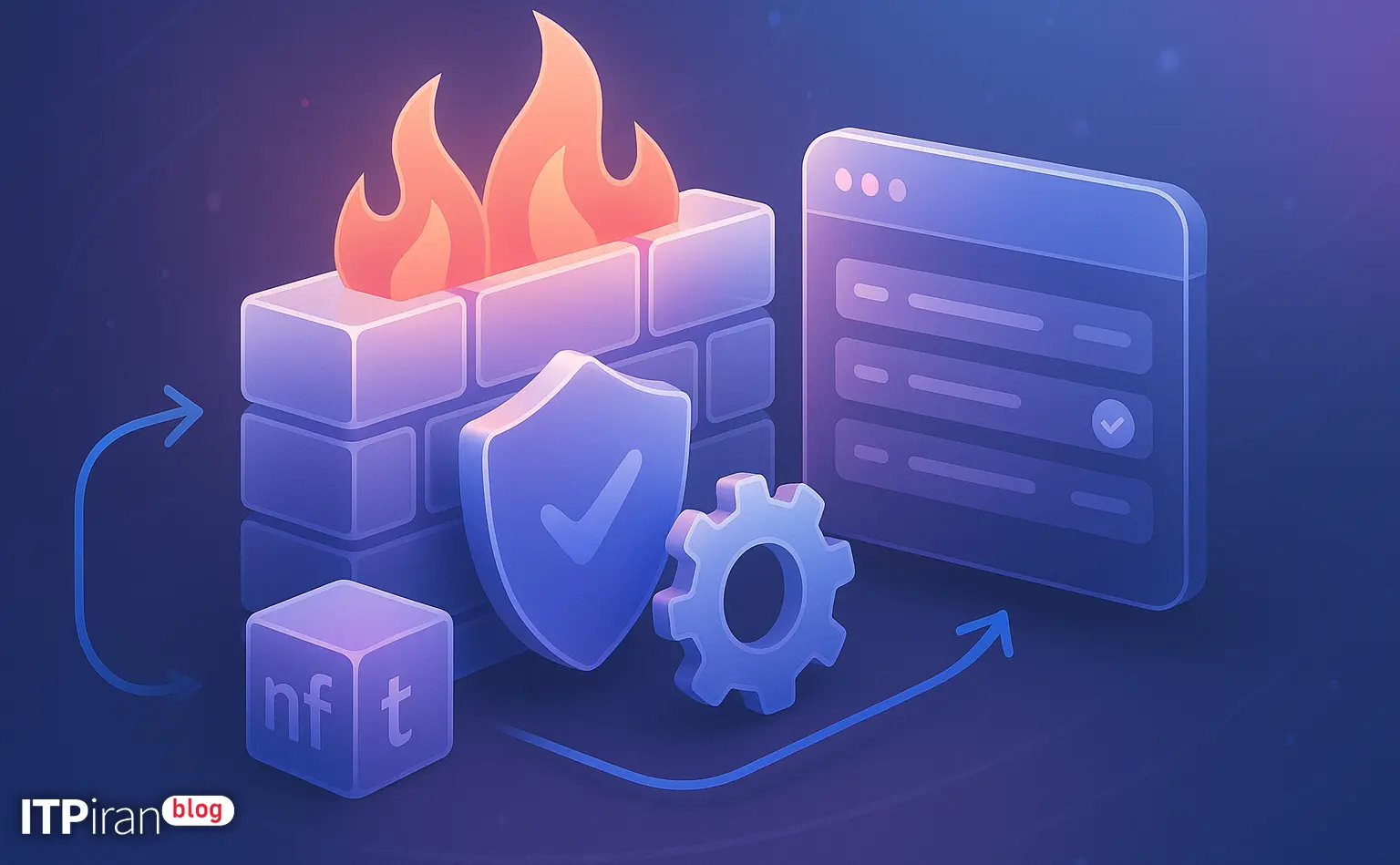
Firewall management and settings nftables It is essential for any system administrator, DevOps or server owner. In this guide, we cover the technical and operational language from the basics to advanced scenarios, along with actionable examples and config files.
- How to manage firewalls and nftables from basic to advanced?
- Basic concepts of nftables
- Why nftables?
- Quick Start: Installing, Reviewing, and Saving Rules
- Practical example: a basic ruleset (for a Linux server)
- Managing sets and temporary blocks
- NAT, Port Forwarding and Masquerade
- Countering DDoS and SYN attacks
- Logging and monitoring rules
- Practical security tips
- Practical tips for different applications
- Practical tips for implementation and maintenance
- Tools and debugging
- Conclusion and practical recommendations
- Frequently Asked Questions
Basic concepts of nftables
nftables There are certain components that you need to be familiar with to design a ruleset:
- family: Protocol family (e.g. internet For simultaneous IPv4 and IPv6, ip, ip6, arp, bridge).
- table: Rules container (e.g. inet filter).
- chain: Chain of rules with hook, type (input, forward, output) and priority.
- rule: Conditions and actions (accept, drop, reject, counter, log).
- set / map: Collections to hold IPs, ports or values for quick matching.
- conntrack: Track connection status (established, related, new, invalid).
Why nftables?
Main reasons for choice nftables They include:
- Simultaneous IPv4 and IPv6 support Using family internet.
- Better performance And the possibility atomic replace To load the ruleset securely.
- Support for Sets with timeout and maps For advanced NAT.
- Compatibility with iptables through compatibility layer in new distributions.
Quick Start: Installing, Reviewing, and Saving Rules
Basic commands for checking, loading, and saving rulesets:
nft --version
nft list ruleset
nft -f /etc/nftables.conf
nft list ruleset > /etc/nftables.conf
systemctl enable --now nftablesPractical example: a basic ruleset (for a Linux server)
Suggested /etc/nftables.conf file using family internet To cover both IPv4 and IPv6:
table inet filter {
    set allowed_ssh {
        type ipv4_addr; flags timeout;
    }

    chain input {
        type filter hook input priority 0;
        policy drop;

        # loopback
        iif "lo" accept

        # established/related
        ct state established,related accept

        # ICMP/ICMPv6
        ip protocol icmp accept
        ip6 nexthdr ipv6-icmp accept

        # Allow SSH with rate limit & whitelist
        tcp dport 22 ct state new limit rate 3/minute accept
        ip saddr @allowed_ssh accept

        # HTTP/HTTPS
        tcp dport { 80, 443 } ct state new accept

        # DNS
        udp dport 53 accept
        tcp dport 53 accept

        # log and drop others
        counter log prefix "nft-drop: " flags all drop
    }

    chain forward {
        type filter hook forward priority 0; policy drop;
    }

    chain output {
        type filter hook output priority 0; policy accept;
    }
}
Explanation: This basic ruleset allows loopback, existing connections, SSH (with rate limit), HTTP/HTTPS, and DNS, and logs and drops the rest of the traffic. set allowed_ssh Suitable for whitelisting IPs with timeout.
Managing sets and temporary blocks
Creating and managing sets for whitelisting or blacklisting is very useful. Examples:
nft add element inet filter allowed_ssh { 203.0.113.5 timeout 1h }
nft list set inet filter allowed_ssh
To temporarily block attackers, set a flag timeout Create and add IPs for a specific period of time.
NAT, Port Forwarding and Masquerade
Example NAT for a VPS that publishes multiple services behind a private IP:
table ip nat {
    chain prerouting {
        type nat hook prerouting priority 0;
        tcp dport 2222 dnat to 10.0.0.10:22
        tcp dport 8443 dnat to 10.0.0.20:443
    }

    chain postrouting {
        type nat hook postrouting priority 100;
        oif "eth0" masquerade
    }
}
Note: In cloud architectures with multiple addresses, use masquerade or src NAT for egress. For IPv6, use appropriate DNAT or CIDR mapping.
Countering DDoS and SYN attacks
nftables has rate limiting and flowtable features that can be used to mitigate the impact of attacks.
# allow limited number of new SYNs per second
tcp flags syn ct state new limit rate 10/second burst 20 accept

# synproxy can be used in extreme cases (kernel feature)
# nftables can match and direct traffic to synproxy or other mitigations
For large-scale attacks, the combination of a firewall server (nftables) with a Network anti-DDoS layer The best approach is to filter malicious traffic before it reaches the server.
Logging and monitoring rules
Useful tools and commands for monitoring:
- Show counters for each rule: nft list ruleset.
- Enable logging with prefix and rate limiting:
nft add rule inet filter input tcp dport 22 counter log prefix "ssh-drop: " limit rate 10/minute dropOther tools: journalctl -f -u nftables, tcpdump, tshark, and nft monitor.
Practical security tips
Some practical and important advice:
- Always back up: Before deploy, output nft list ruleset Save.
- Use atomic loading: nft -f /etc/nftables.conf Loads the file atomically.
- Prevent SSH lockouts: Set a temporary accept rule for your IP or use an external console.
- Automatic undo script: When making sensitive changes, set an automatic rollback if not approved.
Practical tips for different applications
For WordPress and website administrators
Open only essential ports (80/443/22). Use rate limits for login forms and XML-RPC, and create a set of penalty IPs to prevent brute-force. Combination with CDN and WAF is recommended.
For programmers and DevOps
From family internet Use IPv4/IPv6 support for simultaneous deployment. Store rules in VCS and use CI/CD for automated deployment. Use file upload and fast rollback to test changes.
For traders (VPS for trading)
Choose a location close to the broker or exchange servers for the lowest latency. Restrict inbound and outbound traffic to necessary IPs and use whitelisting to prevent ports from being closed during updates.
For gamers (gaming VPS)
Open the UDP ports required by the game and optimize conntrack timeouts for UDP. If you need NAT, use flowtable for better performance and choose a location with low ping.
For AI and GPU Cloud
Allow access to management ports (SSH, Kubernetes API) only from specific IPs. In distributed environments, define rules between nodes and check conntrack performance. Using private network and BGP/Private VLAN is recommended for security and high throughput.
Practical tips for implementation and maintenance
Some practical tips for the maintenance process:
- Always back up the ruleset before making changes.
- Use of atomic replace With nft -f /etc/nftables.conf.
- Place a temporary accept rule for the management IP before making sensitive changes.
- Set up cron or systemd-timer for automatic rollback if confirmation is not received.
Tools and debugging
Key tools for debugging and monitoring:
- nft list ruleset
- nft monitor / nft monitor trace
- ss -tunlp To display ports
- conntrack -L From the conntrack-tools package
- tcpdump Or tshark For packet capture
Conclusion and practical recommendations
nftables is a powerful tool that makes firewall management modern, fast, and flexible. Using the family internet, sets, rate limit and conntrack you can create an effective protection layer that is suitable for web server, VPS trading, gaming and GPU cloud.
Along with server configuration, the combination with network services such as CDN, Anti-DDoS, and BGP, which are provided in 85+ global locations, brings security and availability to a more reliable level.