







我可以将 Gemini 模型直接连接到 WordPress 并确保其安全性吗?
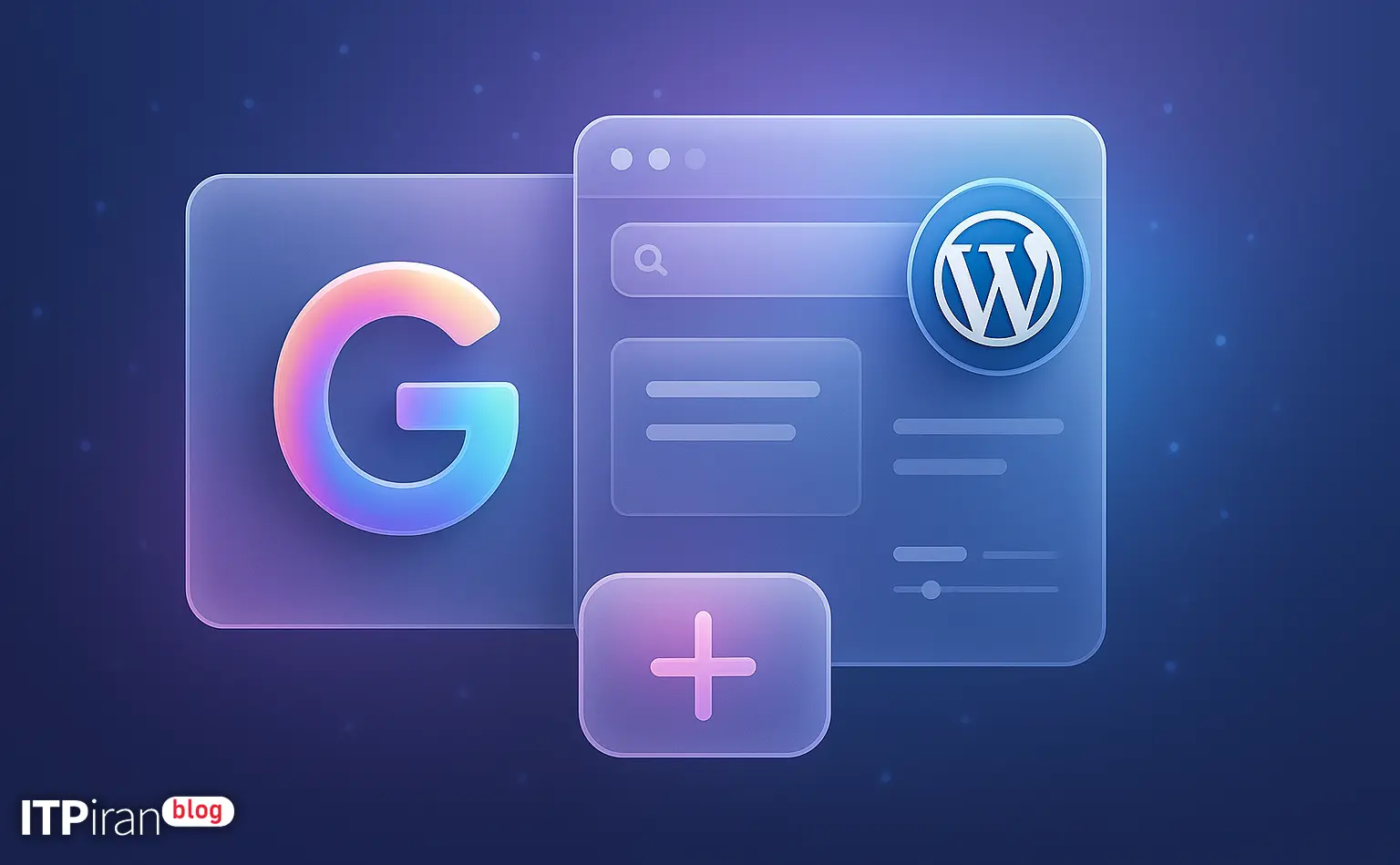
在本分步指南中,我们将学习如何构建人工智能模型。 双子座 (根据您的帐户,可能是 Google/Vertex AI 产品或 PaLM)可集成到您的 WordPress 网站,用于内容生成、聊天机器人、响应式设计和其他功能。本指南包含获取凭据、实施安全代理、示例插件、服务器设置、缓存和安全提示等内容。.
先决条件
首先,您需要准备:
- Google Cloud 帐户 具备访问生成模型/顶点人工智能或PaLM服务的权限。.
- 具有服务器访问权限(SSH 或 FTP)和管理员访问权限的 WordPress 网站。.
- 需要服务器管理权限才能安装 PHP 8.0 或更高版本。 php-curl 如果需要,可以使用 Redis 或 memcached。.
- 请注意费用,并在 Google Cloud 中启用付款方式和费用提醒。.
第一步——创建项目并获取 Gemini 的访问权限
获取访问权限的主要步骤:
- 在 Google Cloud 控制台中创建一个项目并启用相应的 API 生成模型 或者 Vertex AI.
- 从 IAM 和管理 → 服务帐户部分创建服务帐户,并分配必要的角色(例如: Vertex AI 用户)并下载 JSON 密钥。. 妥善保管钥匙。.
- 对于本地开发,您可以使用 gcloud CLI 使用并获取临时访问令牌:
sudo apt update && sudo apt install -y google-cloud-sdk
gcloud auth login
gcloud auth application-default print-access-token
注意:生成的令牌是临时的;要生成令牌,最好使用官方的 Google 库或使用服务帐户进行 JWT 签名。.
步骤 2 — 为 API 调用实现安全代理服务器
使用代理服务器的理由:
- 防止客户端泄露密钥/JSON
- 应用速率限制和缓存逻辑
- 记录消费和支出日志
您可以在 WordPress 内部创建一个端点,或者创建一个单独的服务(Node.js 或 PHP),该服务将接收客户端请求并将其转发给 Google。以下是使用 Nginx 进行本地代理的简单示例:
server {
    listen 443 ssl;
    server_name ai.example.com;

    location /api/gemini/ {
        proxy_pass http://127.0.0.1:8080/;
        proxy_set_header Host $host;
        proxy_set_header X-Real-IP $remote_addr;
    }
}
在这种结构下,密钥和敏感逻辑保存在代理服务器后面的服务器上,客户端永远不会看到密钥。.
步骤 3 — 创建一个简单的 WordPress 插件(PHP 示例代码)
一个简单的插件的实际示例,它使用 wp_remote_post 用于向 Google 端点发送请求。. 在生产环境中,使用更安全的方法来获取令牌。.
<?php
/*
Plugin Name: Gemini Integration
Description: Simple bridge to Google Gemini for content generation.
Version: 0.1
*/

if (!defined('ABSPATH')) exit;

define('GEMINI_API_TOKEN', getenv('GEMINI_API_TOKEN')); // secure method: use env

add_action('rest_api_init', function () {
    register_rest_route('gemini/v1', '/generate', array(
        'methods' => 'POST',
        'callback' => 'gemini_generate_handler',
        'permission_callback' => function () { return current_user_can('edit_posts'); }
    ));
});

function gemini_generate_handler($request) {
    $params = $request->get_json_params();
    $prompt = sanitize_text_field($params['prompt'] ?? '');
    if (empty($prompt)) return new WP_Error('no_prompt', 'Prompt required', array('status'=>400));

    $cache_key = 'gemini_' . md5($prompt);
    $cached = get_transient($cache_key);
    if ($cached) return rest_ensure_response(array('text' => $cached, 'cached' => true));

    $access_token = GEMINI_API_TOKEN;
    $endpoint = 'https://generativemodels.googleapis.com/v1/models/gemini-1.5:generateText';

    $body = json_encode(array(
        'prompt' => $prompt,
        'temperature' => 0.7,
        'maxOutputTokens' => 512
    ));

    $response = wp_remote_post($endpoint, array(
        'headers' => array(
            'Authorization' => 'Bearer ' . $access_token,
            'Content-Type' => 'application/json'
        ),
        'body' => $body,
        'timeout' => 30
    ));

    if (is_wp_error($response)) return new WP_Error('api_error', $response->get_error_message(), array('status'=>500));
    $data = json_decode(wp_remote_retrieve_body($response), true);
    $text = $data['candidates'][0]['output'] ?? ($data['outputText'] ?? '');

    set_transient($cache_key, $text, 60);

    return rest_ensure_response(array('text' => $text));
}
要点:
- 用于短期缓存 对于高扩展性,请使用get_transient/set_transient或使用Redis/Memcached。.
- 用于身份验证 使用具有 JWT 签名的服务帐号或官方 Google 库。.
第四步——缓存、速率限制和防止不可控成本
为了控制成本并提高性能:
- 缓存响应;Redis 可以大幅减少 API 调用次数。.
- 在 Nginx 或应用层应用速率限制,以防止攻击或不必要的资源消耗。.
- 设置模型参数,例如 最大输出令牌 和 温度 有助于降低成本。.
- 在 Google Cloud 中定义预算和提醒,以便在用量超过限制时发出警告或断开连接。.
Nginx 中的速率限制配置示例:
http {
    limit_req_zone $binary_remote_addr zone=one:10m rate=10r/m;
    ...
}
server {
    location /api/gemini/ {
        limit_req zone=one burst=5 nodelay;
        proxy_pass http://127.0.0.1:8080;
    }
}
第五步——服务器设置和基本Linux命令
服务器配置示例命令(Ubuntu/Debian):
sudo apt update
sudo apt install -y nginx php-fpm php-curl php-xml unzip
sudo systemctl enable --now nginx
sudo systemctl enable --now php8.1-fpm
如果您使用 Docker,以下是一个 WordPress 安装示例:
docker run -d --name wordpress --env WORDPRESS_DB_HOST=db:3306 --env WORDPRESS_DB_USER=user --env WORDPRESS_DB_PASSWORD=pass -p 8080:80 wordpress:php8.1-fpm使用 Certbot 启用 SSL:
sudo apt install -y certbot python3-certbot-nginx
sudo certbot --nginx -d example.com
检查 php-curl 是否已启用:
php -m | grep curl步骤 6 — 安全、监控和遵守使用规则
关键安全和操作提示:
- 安全保管钥匙: 使用环境变量、Google Secret Manager 或在 wp-config.php 中设置有限的存储空间。Secret Manager 是最佳选择。.
- 防止快速注射: 过滤输入内容并限制其长度;拒绝不安全的问题。.
- 日志记录和监控: 记录并监控请求使用情况和成本。.
- REST API 访问限制 具备用户功能或 JWT。.
- 遵守服务条款 Google 用于内容创作和商业用途。.
步骤 7 — 全球网络部署技巧和位置比较
为什么地理位置很重要:
服务器距离谷歌端点越近, 延迟 数量会减少;这对聊天机器人和实时功能至关重要。.
建议的混合部署方案:
- 在靠近用户的位置部署轻量级(边缘)代理,以强制执行缓存和速率限制。.
- 代理服务器会将请求转发到指定区域的 Google Gemini。.
- 使用 CDN 来处理静态响应,以降低负载。.
- 对于繁重的计算负载,请使用 GPU 服务器或 GPU 云。.
结论和结语
在本指南中,我们介绍了将 Gemini 连接到 WordPress 的实际步骤:从获取访问权限和实施安全代理,到构建示例插件、设置缓存和速率限制,以及部署和安全提示。.
对于大规模生产,建议使用 秘密经理, Redis 使用分布式基础设施,并严格遵守成本和安全规则。.