







- How to generate WordPress template skeletons faster and more securely with Claude?
- Overall Architecture — How to get help from Claude AI to connect to WordPress for theme design?
- Decision-making tips for choosing architecture
- Step-by-step implementation (example implementation with middleware)
- Connecting to WordPress — Simple plugin or REST endpoint?
- Security, authentication and privacy
- Performance Optimization and DevOps Tips
- Practical workflow example (example)
- Best practices for prompting for template generation
- Conclusion and final recommendations
- Frequently Asked Questions
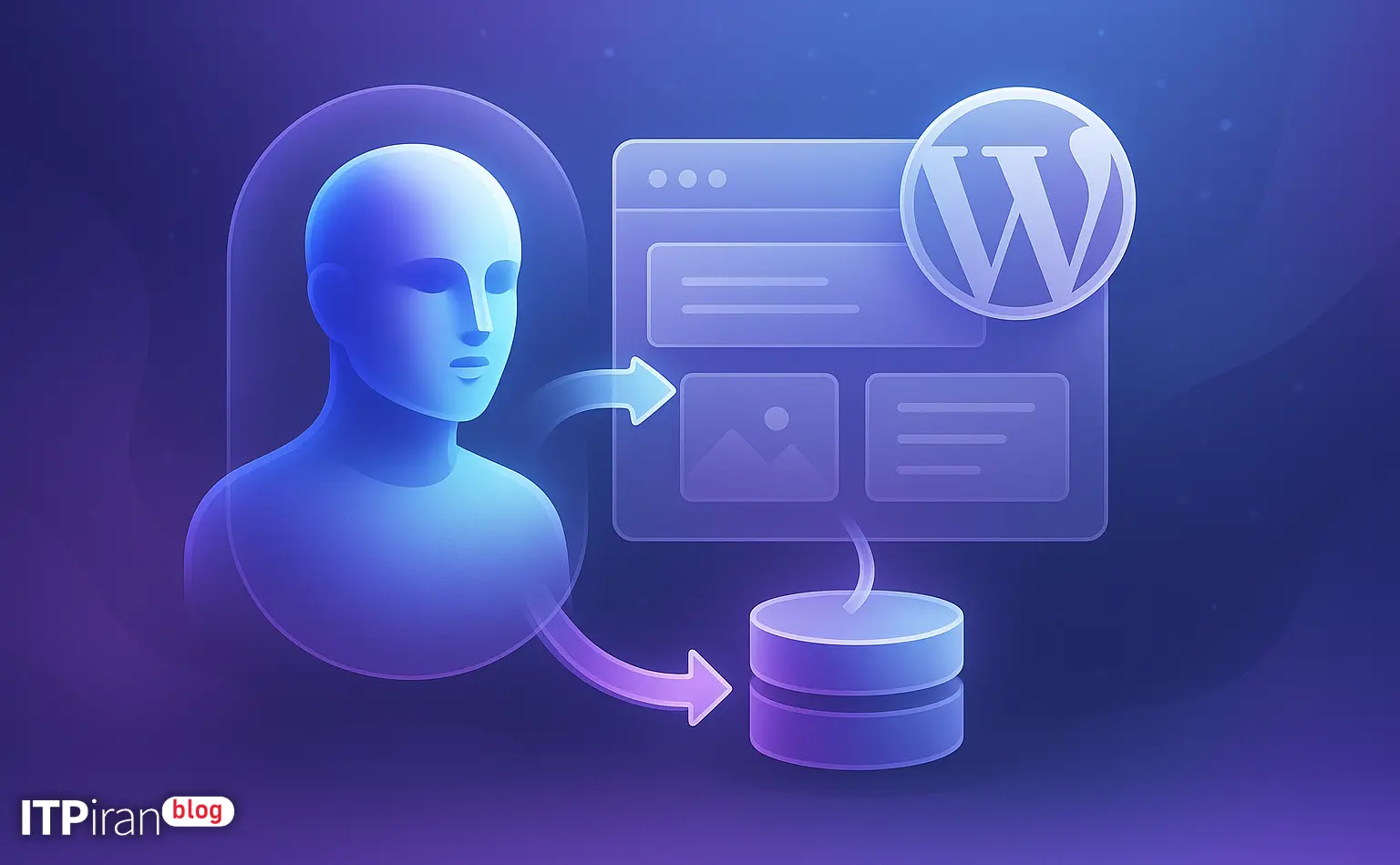
How to generate WordPress template skeletons faster and more securely with Claude?
This guide provides a practical and technical approach for developers, WordPress theme designers, and DevOps teams to use Anthropic Claude models to generate, customize, and automate the structure of WordPress themes.
Approaches include deploying directly to a WordPress server, using microservices, and using a GitOps workflow for review, testing, and release. Security considerations, sample requests (curl/Node/PHP), and best server configurations (VPS, cloud server, Cloud GPU for local compute tasks) are also covered.
Overall Architecture — How to get help from Claude AI to connect to WordPress for theme design?
First you need to decide whether you want to call Claude directly from within WordPress or build an intermediate service to handle requests, caching, security, and logging.
Three common architectures:
- Architecture A: WordPress plugin that sends requests directly to the Claude API (simple, good for prototyping).
- Architecture B: Middleware (Node/Python) that handles prompt handling, rate limiting, and file generation; WordPress talks to it via REST API or Webhook (more secure, scalable).
- C architecture: Headless — Claude generates initial code and templates, then a GitLab CI/CD pipeline deploys changes to a containerized environment (Docker, Kubernetes).
Decision-making tips for choosing architecture
- Request size and API key security: If traffic is low and only the development team is using it, the internal plugin is sufficient. For production and end users, a middleware service is needed.
- Need for manual review and version control: If you want to code review production releases, use GitOps.
- Latency: For an interactive experience, place the middle server in a location that has the lowest latency to Anthropic endpoints and your users; our company has over 85 global locations to help you choose the most suitable data center.
Step-by-step implementation (example implementation with middleware)
Step 1 — Prepare the environment and server
– Provisioning a VPS or cloud server: Choosing a location close to users and Anthropic to minimize RTT.
– Use VPS for simple development tasks; for heavy loads and CI, use cloud servers with BGP, CDN, and anti-DDoS.
– Install Docker and GitLab Runner (for GitOps). Sample commands:
sudo apt update && sudo apt install -y docker.io git
sudo systemctl enable --now docker
Step 2 — Build a simple middleware (Node.js example)
Goal: Create a secure endpoint that sends prompts to Claude and returns HTML/CSS/PHP results or writes them to the repo.
Example: Installing basic Node packages
npm init -y
npm i express axios dotenv helmet rate-limit
Simple server.js example:
const express = require('express');
const axios = require('axios');
require('dotenv').config();
const app = express();
app.use(express.json());
// سادهترین محافظت:
const rateLimit = require('express-rate-limit');
app.use(rateLimit({ windowMs: 60*1000, max: 60 }));
app.post('/generate-theme', async (req, res) => {
const { prompt, project } = req.body;
if (!prompt || !project) return res.status(400).send('missing');
try {
const apiRes = await axios.post('https://api.anthropic.com/v1/complete', {
model: process.env.CLAUDE_MODEL || 'claude-2',
prompt: prompt,
max_tokens: 2000
}, {
headers: { 'Authorization': `Bearer ${process.env.CLAUDE_API_KEY}` }
});
const content = apiRes.data.completion || apiRes.data.output;
// در اینجا میتوانید content را parse، sanitize و به گیت پوش کنید یا فایل بنویسید
res.json({ ok: true, content });
} catch (e) {
console.error(e.message);
res.status(500).send('error');
}
});
app.listen(3000, ()=>console.log('listening 3000'));Note: The endpoint name and response format may vary depending on the Anthropic API version — check the official documentation.
Step 3 — Prompt formatting and prompt engineering
A good prompt should include:
- Objective: “Creating a WordPress template with a standard structure”
- Details: Use with or without bootstrap, ACF support, Custom Post Types, Gutenberg compatibility, file name generator
- Expected output: PHP files (index.php, header.php, footer.php, functions.php), style.css (with WordPress header), package.json file for assets, readme, and sample data for Custom Post Types
Prompt example:
"You are a WordPress developer. Create a simple WordPress theme for a news website named project_name. Return the output as JSON containing files and their contents: style.css, index.php, header.php, footer.php, functions.php, single.php, template-parts/card.php and assets/style.css. Use wp_enqueue_scripts. Add support for featured image and custom logo. Produce secure PHP code without echoing raw user input."How to process the output and convert it to the actual format
- Pars Output: Get the output from the middleware, check it for syntax (PHP lint:
php -l file.php). - Sanitize and static analysis: Use phpcs and phpstan to check quality and security.
- Insert into repo: Put the files in a GitLab repository, create a merge request, and run CI/CD for staging and production.
Connecting to WordPress — Simple plugin or REST endpoint?
Way 1 — WordPress Plugin (Server-side)
Create a plugin that has a button in the admin panel: “Generate Theme with Claude.” The plugin uses WordPress’ built-in REST to send requests to the middleware.
fetch('/wp-json/ai-theme/v1/generate', {
  method: 'POST',
  body: JSON.stringify({project: 'news-site', options: {...}}),
  headers: {'X-WP-Nonce': nonce, 'Content-Type':'application/json'}
})
Create an endpoint on the WordPress server that makes a request to the trusted intermediary service. Reasons to use the WordPress server: Use nonces and capability checks (current_user_can).
Method 2 — Using the WordPress REST API Directly to Place Files
If the code is received without security issues, the plugin can use WP_Filesystem to write the file. Example:
if ( ! function_exists( 'WP_Filesystem' ) ) { require_once ABSPATH . 'wp-admin/includes/file.php'; }
WP_Filesystem();
$wp_filesystem->put_contents( $theme_path . '/header.php', $generated_header, FS_CHMOD_FILE );Security, authentication and privacy
- Save API key: In the .env file or the cloud service's secrets manager; restrict access with IAM.
- IP Restriction: Restrict internal API keys and endpoints to service/server IPs.
- Rate limiting and logging: To identify abuse.
- Analysis of the produced content: To find malicious payloads (e.g. exec, system calls) before writing to disk.
- Mandatory HTTPS, HSTS, and the use of WAF/Cloud Firewall: Anti-DDoS services and a secure network with BGP and CDN are essential for protection.
WordPress security tips
- Using nonces and capability checks When calling endpoints.
- Scan the generated code for dangerous patterns: Example of checking with preg_match:
preg_match('/(eval|base64_decode|system|exec|passthru)/i', $code) - Restrict file writing capabilities Even for plugins; preferably first produce in staging and then deploy automatically via CI.
Performance Optimization and DevOps Tips
- Caching AI responses: For repeated template versions, store the result in Redis or a cache file.
- CI/CD: After production, the CI pipeline includes lint, unit tests,
php -lAnd then deploy to the staging environment. - Containerization: Running a middleware service in Docker and auto-scaling with Kubernetes; storing archives in object storage.
- Using GPU Cloud: If you are using local LLMs or large models on your own server, consider using GPU servers for inference.
- Choose a location: For Iranian developers and designers, a European or Middle Eastern location may be suitable; for global sustainability, choose the best option from 85+ company locations.
Practical workflow example (example)
- The developer deploys a middleware server (VPS or high-performance cloud) in the EU location.
- The repository has been prepared in GitLab: branch feature-theme.
- The WordPress plugin calls the /generate-theme endpoint on the staging environment.
- The middleware sends the prompt to Claude and receives the JSON output.
- The CI pipeline lints the output, runs unit tests, templates, and accessibility checks.
- If the tests pass, GitLab will merge and automatically deploy to production.
Best practices for prompting for template generation
- Be specific and limited: “Header should include nav with main menu and mobile list.”.
- Output structuring: Ask the model to return JSON or yaml to make parsing easier.
- Size Limit: Don't request that all files be generated in one large response; generate each file separately.
- Testing and feedback: Give the model target examples (clean code examples) to mimic the code style.
Conclusion and final recommendations
Claude Artificial Intelligence It can greatly assist WordPress teams in quickly generating template skeletons, generating HTML/CSS templates, and preparing PHP components.
But for safe and practical use, you need to use the right architecture (usually middleware + GitOps), automated code reviews, and security scanning.
For high-volume workloads or local model testing, use GPU Cloud and co-located cloud servers. Enterprises and infrastructure providers can provide the services you need, including VPS, GPU Cloud, CDN, and GitLab hosting.