







- How to set up an SMTP server on Hetzner that sends emails and doesn't spam?
- Proposed architecture and initial considerations
- Steps to prepare the sending server (Hetzner)
- DKIM, SPF, and DMARC — DNS Configuration
- Receiving emails on another server and managing bounces
- Avoiding Spamming — Best Practices
- Control sending rates, queues, and prevent negative reputation
- Tests and tools to check deliverability
- Complete process example: Sending from application A using Hetzner as a relay
- Additional safety and operational tips
- Recommended open source tools for automation (free)
- Link to company services (85+ locations and services)
- Final point
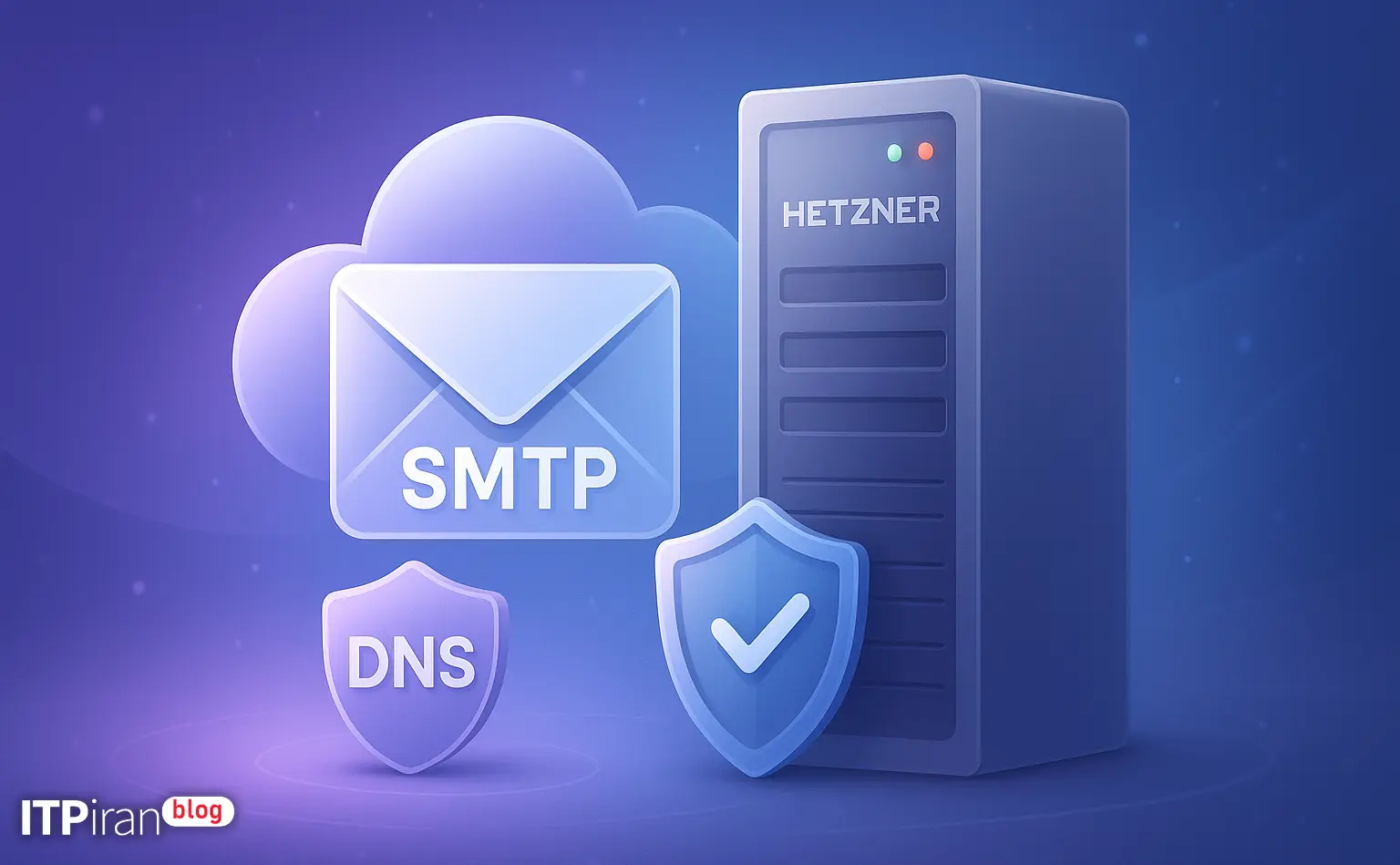
How to set up an SMTP server on Hetzner that sends emails and doesn't spam?
This guide explains step-by-step how to implement SMTP on a Hetzner cloud server for sending emails and mapping the receipt of emails on another server. It also covers important DNS settings (SPF, DKIM, DMARC, PTR), authentication (SASL/TLS), bounce and unsubscribe management, and practical recommendations for avoiding blacklisting.
Proposed architecture and initial considerations
Proposed architecture:
- Send Server (Hetzner Cloud): Installation Postfix + OpenDKIM + OpenDMARC + TLS — Responsible for sending email (SMTP relay).
- Incoming server (e.g. your VPS or hosting): MX records point to this server; responsible for delivering and receiving incoming messages (POP/IMAP/Dovecot or your email service).
- Bounce and Unsubscribe mailbox: Bounces are sent to a dedicated address and that mailbox is processed by the receiving server.
- Users/Applications: Using SMTP AUTH (or IP-based authorization) authenticate on the Hetzner server to be allowed to relay.
Steps to prepare the sending server (Hetzner)
Installing basic packages (Debian/Ubuntu)
Example for Ubuntu/Debian:
sudo apt update
sudo apt install -y postfix dovecot-core dovecot-imapd opendkim opendkim-tools opendmarc certbot postfix-policyd-spf-python rspamd
Setting hostname and PTR
It is necessary to set the hostname on the forwarding server and register Reverse DNS in the Hetzner panel.
sudo hostnamectl set-hostname mail.example.comPostfix configuration tips: Amount myhostname Set it to mail.example.com and enter the value mail.example.com in the Hetzner panel for the reverse IP.
Configuring TLS with Let's Encrypt
Issuing a certificate and referencing it in Postfix settings:
sudo certbot certonly --standalone -d mail.example.comIn main.cf Add the following values:
smtpd_tls_cert_file = /etc/letsencrypt/live/mail.example.com/fullchain.pem
smtpd_tls_key_file = /etc/letsencrypt/live/mail.example.com/privkey.pem
smtpd_use_tls = yes
smtp_tls_security_level = may
smtpd_tls_security_level = may
Basic Postfix configuration (main.cf excerpt)
A selection of important settings in main.cf:
myhostname = mail.example.com
myorigin = /etc/mailname
mydestination = localhost
relay_domains =
mynetworks = 127.0.0.0/8
smtp_tls_security_level = may
smtpd_tls_security_level = may
smtpd_tls_auth_only = yes
smtpd_sasl_auth_enable = yes
smtpd_sasl_type = dovecot
smtpd_sasl_path = private/auth
smtpd_recipient_restrictions = permit_sasl_authenticated, permit_mynetworks, reject_unauth_destination
smtpd_helo_required = yes
Explanation: reject_unauth_destination Prevents your server from being used as an open relay; only authorized users or known machines can relay.
Enabling SASL with Dovecot (to authenticate sending users)
In the file /etc/dovecot/conf.d/10-master.conf Section service authentication Set it like this:
service auth {
  unix_listener /var/spool/postfix/private/auth {
    mode = 0660
    user = postfix
    group = postfix
  }
}
You can use local passwd, SQL database, or LDAP for authentication. Then restart the services:
sudo systemctl restart dovecot postfixDKIM, SPF, and DMARC — DNS Configuration
Generating a DKIM key with OpenDKIM
Example of creating a DKIM key on the sending server:
sudo mkdir /etc/opendkim/keys/example.com
sudo opendkim-genkey -b 2048 -d example.com -s mail -D /etc/opendkim/keys/example.com
File mail.txt Generated; TXT record content to be added in DNS: selector = email → mail._domainkey.example.com.
Sample settings /etc/opendkim.conf (Excerpt):
Domain                  example.com
KeyFile                 /etc/opendkim/keys/example.com/mail.private
Selector                mail
AutoRestart             yes
Socket                  local:/var/spool/postfix/opendkim/opendkim.sock
And in /etc/postfix/main.cf Add:
milter_default_action = accept
smtpd_milters = unix:/var/spool/postfix/opendkim/opendkim.sock
non_smtpd_milters = $smtpd_milters
SPF record
In the DNS of the sample domain:
example.com. IN TXT "v=spf1 ip4:YOUR_HETZNER_IP include:spf.protection.example ?all"Or more strictly:
"v=spf1 ip4:YOUR_HETZNER_IP -all"Recommendation: At the beginning of ~all Or ?all Use it so that initial bugs don't cause a complete rejection, and then be more strict.
DMARC record
Example of DMARC in DNS:
_dmarc.example.com. IN TXT "v=DMARC1; p=quarantine; rua=mailto:[email protected]; ruf=mailto:[email protected]; pct=100; adkim=s; aspf=s"Note: To start, you can p=none Let's see the reports, then p=quarantine Or p=reject Activate.
Receiving emails on another server and managing bounces
How to set MX to receive
Example of an MX record in DNS:
example.com. IN MX 10 mail-receive.example.orgNote: MX must point to the receiving server; your sender uses Hetzner for outgoing email — so an SPF/DKIM record must be set for the sending domain.
Return-Path Configuration and Bounce Management
A few important points:
- The Return-Path should be specific to handle returns; it is best to point to a dedicated subdomain such as bounce.example.com Point out.
- You can use VERP for any email:
envelope-from="[email protected]"To determine the return more precisely.
Processing bounces — recommended process:
- An address
[email protected]Create it and point its MX to the server that processes it. - That server with fetchmail / getmail Or directly fetch the IMAP mailbox and take action with bounce processing scripts.
- To parse bounces, you can use tools like flanker Or Mail::Delivery::BounceParser Use.
Example of bounce processing with flanker (Python)
First install:
pip install flankerSimple script example (reading from stdin and processing):
from flanker import mime
from flanker.utils import bounces
import sys

raw = sys.stdin.read()
msg = mime.from_string(raw)
bounce = bounces.parse(raw)
# classify and store bounce info in database or suppression list
By category hard bounce (5xx errors) and soft bounce (4xx) You can apply deletion or retry policies.
Avoiding Spamming — Best Practices
Technical settings
- PTR Consonant with
myhostnameand A is a record. - SPF, DKIM, DMARC Enable and DKIM sign.
- The HELO/SMTP banner matches the hostname.
- TLS enabled and
smtpd_tls_auth_only = yesTo prevent unencrypted transmission. - Avoid IPs with bad history and use proper rDNS.
Content policies and lists
- Always from double opt-in Use for email lists.
- Every email should have a simple and understandable unsubscribe link; in the header of
List-UnsubscribeUse:
List-Unsubscribe: <mailto:[email protected]>, <https://example.com/unsubscribe?email=...>- IP warm-up: Send a small amount from day one and gradually increase.
- Removing or tagging addresses with high bounce or complaint rates.
- Compliance with laws such as CAN-SPAM and GDPR for European users.
Control sending rates, queues, and prevent negative reputation
Postfix concurrency and destination delay limiting settings:
postconf -e "smtp_destination_concurrency_limit = 20"
postconf -e "smtp_destination_rate_delay = 1s"
For more complex policies than policy-daemons like postfwd, policy Or rspamd Use.
Queue management with Postfix commands:
postqueue -p
postsuper -d ALLDeferred
Tests and tools to check deliverability
- To test SMTP from swaks Use:
swaks --to [email protected] --from [email protected] --server mail.example.com --auth LOGIN --auth-user smtpuser --auth-password smtppass --tls- Check Headers with mail-tester.com and MXToolbox To check blacklist and SPF/DKIM/DMARC.
- Monitoring logs with:
tail -f /var/log/mail.logAnalyzing DMARC reports through values rua and ruf Helps you find delivery issues.
Complete process example: Sending from application A using Hetzner as a relay
- Application A to
mail.example.com:587Connects with the usersmtp_userand password; authentication is performed. - After verification, the Hetzner server outputs the email and DKIM signs it; SPF and PTR are also set.
- If returned, bounce to
[email protected]is sent; the MX for bounce points to the server that does the parsing. - The application reads the suppression list and disables the address for hard bounces.
Additional safety and operational tips
- Make sure that outbound port 25 is open on the server (Hetzner sometimes has network restrictions).
- To prevent abuse, authentication should be mandatory; never keep the server as an open relay.
- Send logs to a monitoring system (ELK/Graylog) to analyze send spikes or error responses.
- In case of high sending volume, use a dedicated IP and warm up that IP gradually.
Recommended open source tools for automation (free)
- Postfix (SMTP)
- Dovecot (SASL/IMAP)
- OpenDKIM / OpenDMARC
- Rspamd for filtering and scoring
- fetchmail / getmail to fetch bounces
- flanker or Mail::Delivery::BounceParser for bounce processing
- postfwd / policyd for pricing and policies
Link to company services (85+ locations and services)
If you are looking for infrastructure with extensive network access and diverse locations, you can use the right services to select the closest data center to your audience to reduce latency and improve deliverability.
- More than 85 locations A world for data center selection.
- High-performance cloud server with dedicated IP for email marketing and SMTP services.
- Anti-DDoS server, various VPS, and network and security configuration support.
Final point
If you're ready to get started, you can explore cloud server plans, dedicated IP, and DNS and security management services, or contact the technical team for custom configuration, DKIM/DMARC implementation, and bounce management. The support team is available to provide technical guidance and assistance.