Introduction
At a high level, GitHub is a website and cloud-based service that helps developers store and manage their code, as well as track and control changes to their code. To fully understand GitHub, you need to understand two related principles:
- Version control
- Git
In this article, we’ll first explain these two principles. Then, we’ll learn more about GitHub and how to use GitHub to work with WordPress and/or Kinsta.
What is version control?
Version control helps developers track and manage changes to the code of a software project. As a software project grows, version control becomes essential. Use WordPress…
At this point, WordPress is a very large project. If a core developer wants to work on a specific part of the WordPress codebase, it would not be safe or efficient to edit the “official” source code directly.
Instead, version control allows developers to work safely through branching and merging.
With a fork, a developer copies a portion of the source code (called a repository). The developer can then safely make changes to that portion of the code without affecting the rest of the project.
Then, once the developer has a piece of their code working properly, they can merge that code back into the original source code to make it official.
All these changes are then tracked and can be reverted if necessary.
What is Git?
Git is a specific open source version control system created by Linus Torvalds in 2005.
Specifically, Git is a distributed version control system, meaning that the entire codebase and history are available on each developer's computer, allowing for easy branching and merging.
What is GitHub?
GitHub is a for-profit company that offers a cloud-based Git repository hosting service. Essentially, it makes it much easier for individuals and teams to use Git for version control and collaboration.
GitHub's interface is user-friendly enough that even novice coders can take advantage of Git. Without GitHub, using Git generally requires technical knowledge and command-line usage.
However, GitHub is so user-friendly that some people even use GitHub to manage other types of projects, such as writing books.
Additionally, anyone can sign up and host a public code repository for free, which makes GitHub especially popular with open source projects.
As a company, GitHub makes money by selling privately hosted code repositories, as well as other business-focused apps that make it easier for organizations to manage team members and security. We use GitHub extensively at Kinsta for internal project management and development.

Exploring the GitHub interface
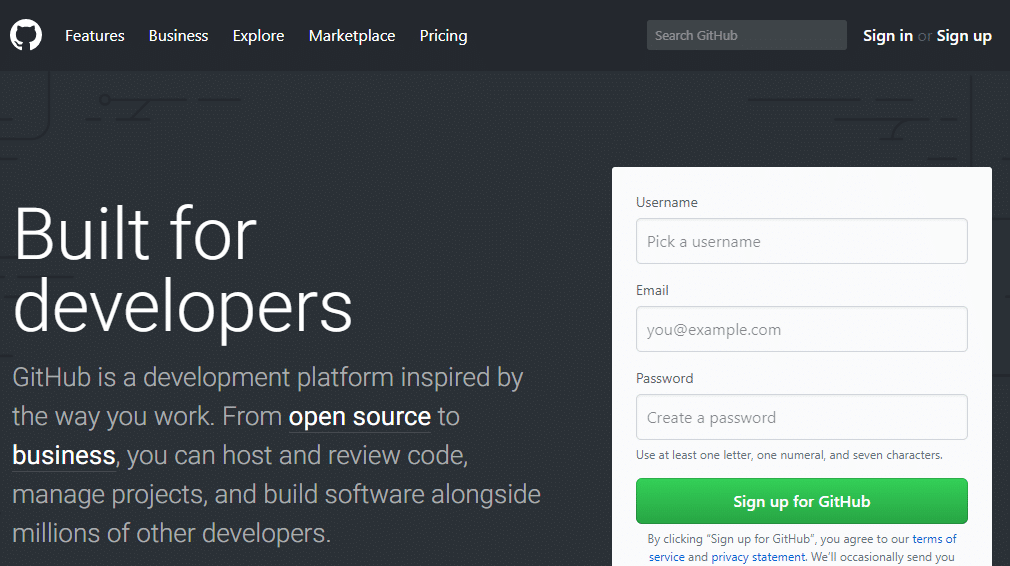
To give you a basic understanding of what the GitHub interface looks like, here is the WordPress source code hosted in a GitHub repository:
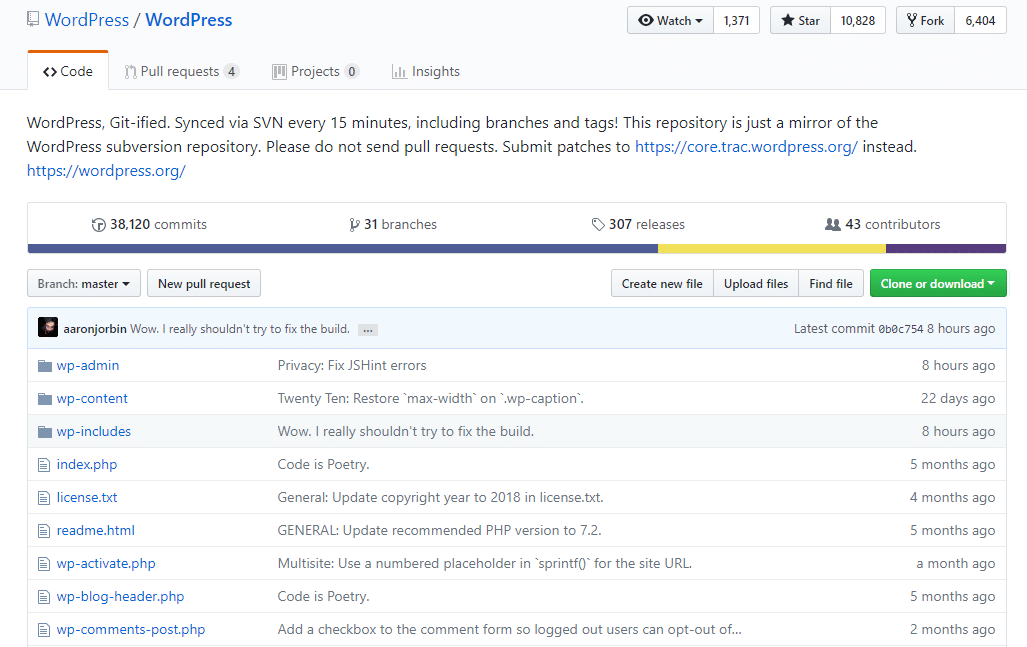
From here, you can see the different branches being worked on, as well as when someone makes a commit (it's kind of like "checking in" a file). Depending on how you set up a repository, you may also be able to create your own branch and make your own commits there.
And once you've made changes, you can push that code to the branch with a pull request. A pull request is basically asking the branch manager to include your code. And it also helps that person see exactly what you've changed in the code.
If you want to permanently edit some or all of the WordPress source code in your personal account, you can fork it by clicking the Fork button (a fork is conceptually similar to a branch, but a fork is more permanent):

WordPress itself was originally a fork of b2/cafelog. If you want to learn more about how to use GitHub, the Hello World GitHub guide provides a beginner's tutorial to get you started.
How to use Git and GitHub at Kinsta
Kinsta offers a Git client so you can use SSH to pull down your Git repository from GitHub (or other similar services).
If you are interested in using Git or GitHub at Kinsta, please read this help article for complete instructions.
Other Ways to Use Git and GitHub with WordPress
Many WordPress theme and plugin developers host their project source code on GitHub. For example, you can view the Elementor page builder code, the Zerif Lite theme source code, and more.
But there are also WordPress plugins that help you use Git more directly with WordPress.
For example, VersionPress aims to bring the power of Git to common WordPress actions, like updating a post or installing a plugin. VersionPress adds version control for your WordPress database and files.

WP Pusher is another Git-based plugin that allows you to deploy themes and plugins directly from GitHub to your WordPress site.
How to get started with GitHub
To get started with GitHub:
- Sign up for a free GitHub account
- Follow the GitHub Hello World guide to understand the most popular actions you're likely to want to take.