
Introduction
React JS is an open source front-end library. The main goal of this library is to create fast and attractive user interfaces for web and mobile applications.
Developed by Facebook, ReactJS makes websites look attractive and most developers are attracted to it. However, many developers make the mistake of jumping straight into ReactJS (or any other library or framework) without understanding the prerequisites of React JS. Going straight into React can cause you a lot of problems while learning the library and in interviews.
Essential prerequisites for learning ReactJS
HTML and CSS
The building blocks of the web are HTML and CSS. The language used to describe each component of a website in your web browser is called HTML, or HyperText Markup Language. As a result, you can specify headings, paragraphs, links, embeds, and more using HTML, which helps your browser understand how to organize the web page you're viewing.
The language known as CSS, or Cascading Style Sheets, is what gives web pages their appearance and layout. In other words, CSS is used to create attractive websites with beautiful fonts, vibrant colors, stunning backgrounds, and even beautiful transitions and 3D effects.
Every front-end developer starts with both HTML and CSS. So, by the time you learn how to use React, you should be proficient in coding in HTML and CSS.
The first prerequisite for learning Reactjs is to start learning HTML and CSS. You need to know how to create semantic HTML tags, write CSS selectors, use classes, CSS overrides, implement the box model, and switch to border-box and flexbox, along with HTML and CSS for front-end applications and responsive web apps. .
JavaScript and ES6 Basics
The next version of JavaScript, ECMAScript 6, or ES6, brings a lot of changes and new features. Your code will be more modern and readable thanks to the amazing new features and new JavaScript syntax of ES6. You can do more with less code. We'll learn about some of the awesome new features in ES6, like modules, template strings, class destructors, and flash functions.
Before learning React, you should master ES6 because hooks have now replaced class-based components. You will notice that hooks make extensive use of ES6 features.
React will be challenging for you to use if you are uncomfortable writing arrow functions because several hooks require you to nest arrow functions inside each other, which can be confusing.
Since React JS fully supports ES6, learning and understanding ES6 will improve your life as a React JS and Javascript developer because it makes reading and writing React JS code much easier.
Git and CLI (Command Line Interface)
When it comes to the software development process, Git is a very important and effective tool.
Git is essentially a distributed version control system for tracking source code changes during application development. Git can be used to monitor progress on any file system, even if it was created to facilitate collaboration between developers.
Learn how to use all the commands like push, pull, append, commit, etc. because you will need them to track the version of your files. Additionally, learn how to merge, branch, and manage merge conflicts.
The CLI (Command Line Interface) will be used to help you perform every action in React. You should get used to using the CLI as it can be used for many different tasks such as installing packages, using NPM, building and running React applications, and more.
Package Manager (Node + Npm)
When using ReactJS, it is essential to install multiple, smaller software packages. Node packages are JavaScript libraries that contain all the necessary files. Modules are JavaScript libraries that are included in Node projects. There are two things in packages… Js files along with package.json files. You need a very good installer to set up these packages as it makes it easy for you to download and set up the application without worrying about dependencies.
This is where Node Package Manager (NPM) comes in and helps you install and manage JavaScript applications. You can install NPM by installing Node.js first. NPM is automatically set up when you install Node.js.
You can download Nodejs from the official site. Click here
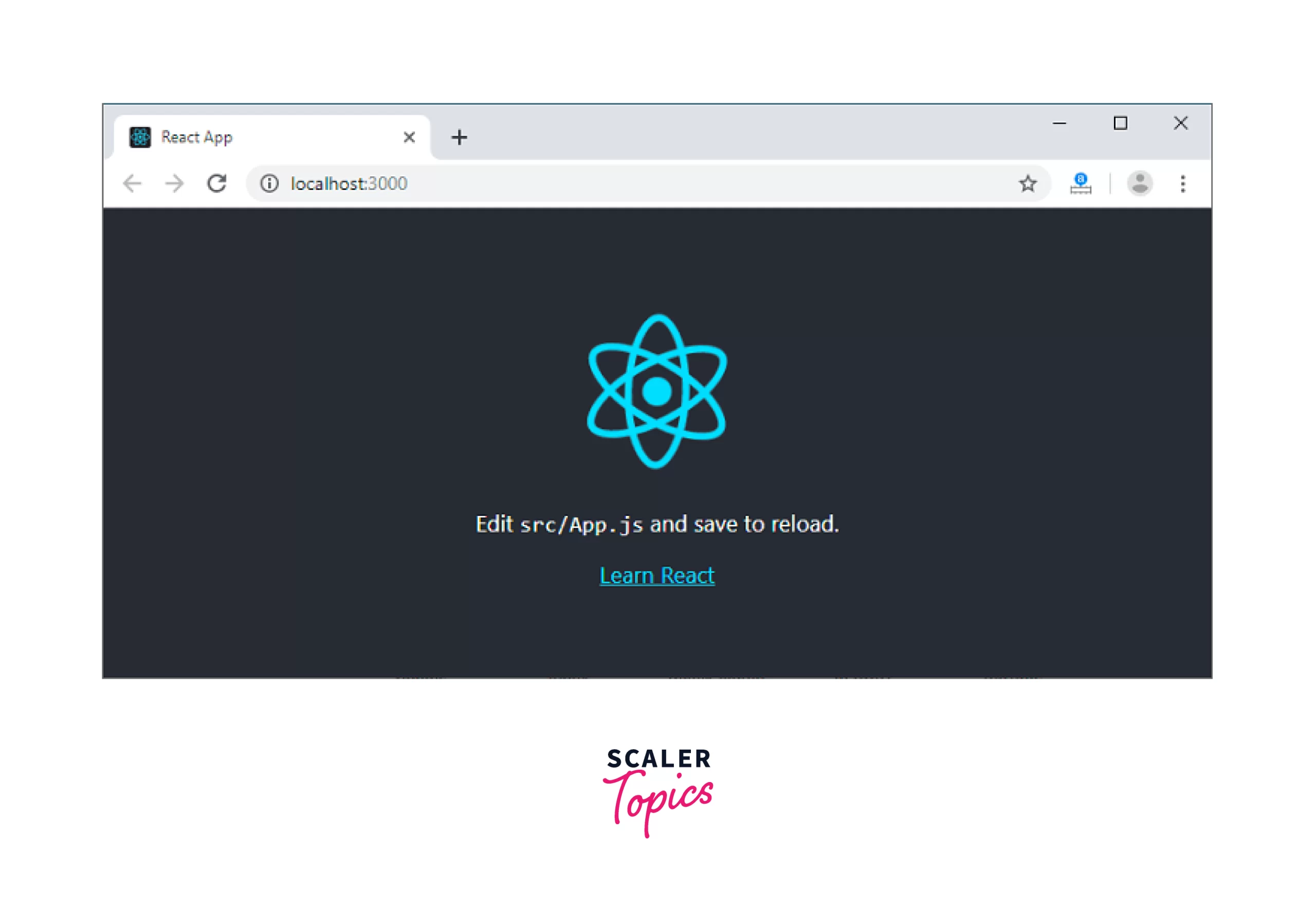
The best way to start building a new single-page application in React is to use Create React App, which is a convenient environment for learning React.
The following commands will create a sample project for you. You can follow these steps to get started:
npx create-react-app my-app
cd my-app
npm start
So, before you jump into React, you should be familiar with the NPM (Node Package Manager) registry and package installation techniques. In short, the NPM registry is the place where developers go to get the software they need to develop software.
ES6 Variables – Let and Const
Before ES6, developers declared variables either with the var keyword or without it. However, everything has changed!
JavaScript entered the modern era with ES6, which added two new keywords for defining variables: let and const. They differ in scope, which is used to determine where and whether a variable can be used. Variables can be found inside a function, inside a block, or outside a function and a block.
var: Function scope level – This keyword does not allow access to variables declared inside functions from outside.
let: Block scope level – The let keyword makes variables accessible outside the declaration scope.
const: Block-level scope – The const keyword is similar to variables declared using the let keyword. The value of a constant cannot be changed by redeclaration or reallocation.
Arrow Functions
Arrow functions are a new feature in the ES6 version of JavaScript. Compared to regular functions, they allow you to write functions more simply.
- It simplifies the code and makes it easier to read.
- The biggest benefit of contextual "this" is that it eliminates the need to "link" functions.
- Arrow functions are mostly supported by all current browsers.
let x = (x, y) => x * y;Exports and Imports
We can create modules in JavaScript using ES6. A module can contain classes, functions, variables and objects. Using JavaScript modules you can divide your code into different files. As a result the code base may be maintained easily.
We can use export and import commands to make them all available in another file. Exporting and importing members in a module is done using the export and import keywords.
Rest and Spread Operator
The spread and rest operators in JavaScript are represented by three dots (…). However, these two operators are not really the same. The key distinction between the rest and spread operators is that a JavaScript array is filled with the remainder of a specific set of values provided by the user when the rest operator is used. However, an expanded syntax expands an iterable to its elements.
Destructuring object and array structure
Destructuring is the process of unpacking the individual components of an object or array. Destructuring allows you to modify and swap elements after unpacking them based on the action you want to perform.
JavaScript uses square brackets [] to destruct arrays, which allows us to store the name of a variable assigned to the name of the array containing the element.
Whenever we destroy an object, we use curly braces with the exact name of the object contained within that object. For objects, unlike arrays where we can use any variable name, we can only use the name of the stored data to open the element.
Template Literals
In ES6, Template Literal introduces new features that allow you to generate a string with more flexibility than dynamic strings. A string is generally generated with single (') or double quotes (‘).
The literal format is a literal string that enables embedded expressions using the backticks ( ) characters. String interpolation and multiline strings can be used with them. This string was previously known as a pattern string.
Map Filter and Reduce
There are three array functions in JavaScript: map, reduce, and filter. Each performs a transformation or operation on an array while iterating. Each produces a new array in response to the function's output.
Using the map() method, an array is created by applying a function to each element of the old array.
The filter() method applies a conditional statement to each element of the array. If the condition returns true, it pushes an element into the output array. If the condition returns false, the elements are not pushed into the output array.
Arrays of values are reduced to a single number using the reduce() method. Each element of the array is run through a reducer function to produce the output value.
Classes
JavaScript ES6 introduces classes as a new feature. Objects are designed using classes. Objects can be created from classes.
This class can be compared to a basic prototype of a house. It contains all the information about the rooms, entrances, etc. You build the house using this description as a guide. The object is the house. We can generate multiple objects from the same class because multiple houses can be built using the same specifications.
// creation of a class
class Home {
constructor(area) {
this.area = area;
}
}
// creation of an object
const home1 = New Home(100);
Start by studying functional components. React hooks are easier to use and require fewer lines of code to achieve the same goals than their class-based equivalents.
Although not everyone rewrites their application using functional components, you should be aware of class components as well. This is because most applications are developed using class components.
Compared to functional components, building React JS class components is more complex. As part of a React JS class, you will find constructors, lifecycle methods, rendering functions, and even state management to manage your data.
This in the browser
In JavaScript, the THIS keyword of a function works a little differently than in other languages. It also distinguishes between strict and non-strict cases.
The value of THIS is usually determined by how a function is called (runtime execution). When the function is called, it may have a different value each time, as it cannot be set by assignment during execution. This function can be set regardless of how it is called using the bind() method.
Promises and Async Awaiting
In JavaScript or Node.js, there are different ways to manage operations. Different operations operate simultaneously during asynchronous execution, and the output of each operation is dealt with as soon as it is accessed.
A Promise in NodeJS is similar to a promise in the real world. It provides assurance that an action will be performed. A Promise controls what happens after an asynchronous event occurs and keeps track of whether the event has been performed or not.
Promises are handled by asynchronous methods using Async/Await. The code has recently been refactored to make promises easier to read and use. It simplifies asynchronous programming by making it more similar to synchronous code.
Why do companies prefer Reactjs?
- Components are written more fluidly – JavaScript code efficiency can be increased with JSX.
- In addition to increasing efficiency, it simplifies maintenance in the future.
- Rendering is done faster by it.
- There are useful developer tools included with it.
- SPA (Single Page Application)
- The data connection is one-way, similar to a one-way data flow.
- SEO friendly
Result
React JS is an open source front-end library. The main goal of this library is to design user interfaces for web and mobile applications that are fast and attractive. The essential prerequisites for ReactJS are HTML and CSS, JavaScript and ES6 basics, Git and CLI (Command Line Interface), and Package Manager (Node + Npm). All you need to know are ES6 variables, arrow functions, exports and imports, Rest and spread operators, object destructors, and arrays, the this keyword in JavaScript. A pattern alphabet is a string literal that enables embedded expressions using backticks. There are three array functions in JavaScript: map, reduce, and filter to perform operations while iterating over an array.