20 Useful Tools for Freelancers
In this time when being a freelancer means dealing with clients; we've selected 20 new tools that can help you take responsibility in different parts of your business.
“Freelancing” sounds great from the outside. Working with the best clients, choosing fun projects, setting your own hours, and working from home or wherever you like. But there’s a lot going on behind the scenes that allows us to work.
Freelancing for your clients is never really 100% on your preferred time. It doesn’t take long for you to become bogged down in paperwork and administration – writing proposals, closing contracts, sending invoices, writing tasks, and ultimately managing your own workflow.
Instead, we've seen a plethora of new tools hit the market to help freelancers. You can now send your written proposal to a client without even opening your email. Instantly see your monthly income and compare it to last year. Check how much time you spent on your new project last week.
To find the best, we have categorized them below:
Proposals, financial and legal, time management and workflow. Let's get started!
Proposal
The value of a good proposal should not be underestimated – it can be the key to winning or losing a project. I’ve tried a number of different proposal tools and even used InDesign CC to create my own custom templates. These tools aim to make things easier by providing unique templates and features. Many of them allow the user to easily send a proposal to a client and track its progress – a feature I’m a big fan of.
01 – Prospero
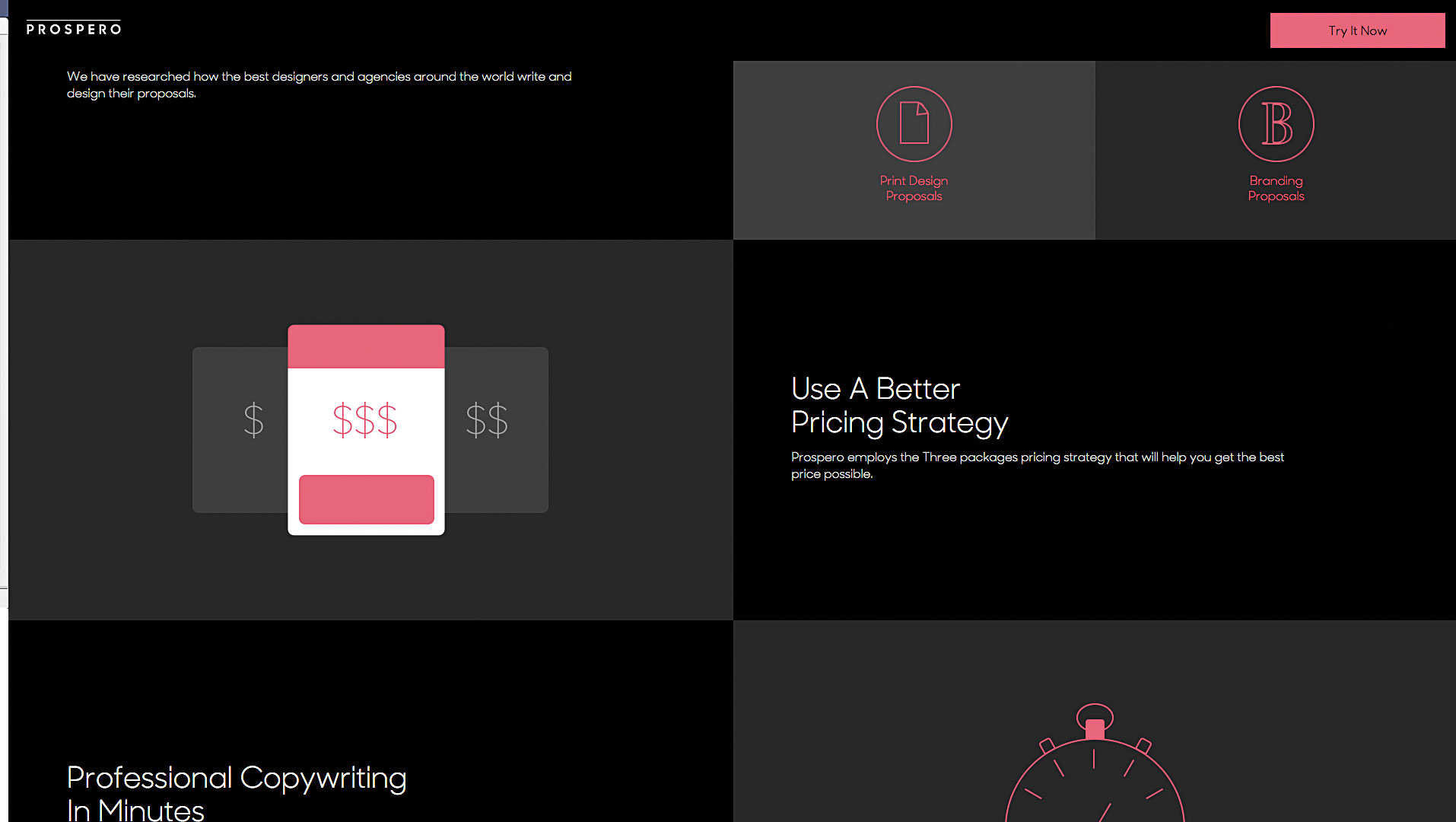
Currently in beta, Prospero not only helps you create proposals, but also helps you price them. According to the founders of nuSchool, Prospero is a completely dry and bare proposal tool. There’s no home page or even account settings. It’s a real lie that helps you create a proposal, rather than just letting you fly blind. The tool promises “more clients, more money, less headaches.”
When you create a proposal, Prospero asks you a few quick questions, like your score, how long it takes you to complete the project, and the type of work you do. (Prospero handles print and branding of the proposal as well as web and design apps.) And then it intelligently creates a proposal based on your answers, which you can edit. There's no design customization (only text editing options), but the default design isn't too bad. When you're finished with the proposal, you can download it as a PDF or send it directly to the client.
02- Nusii
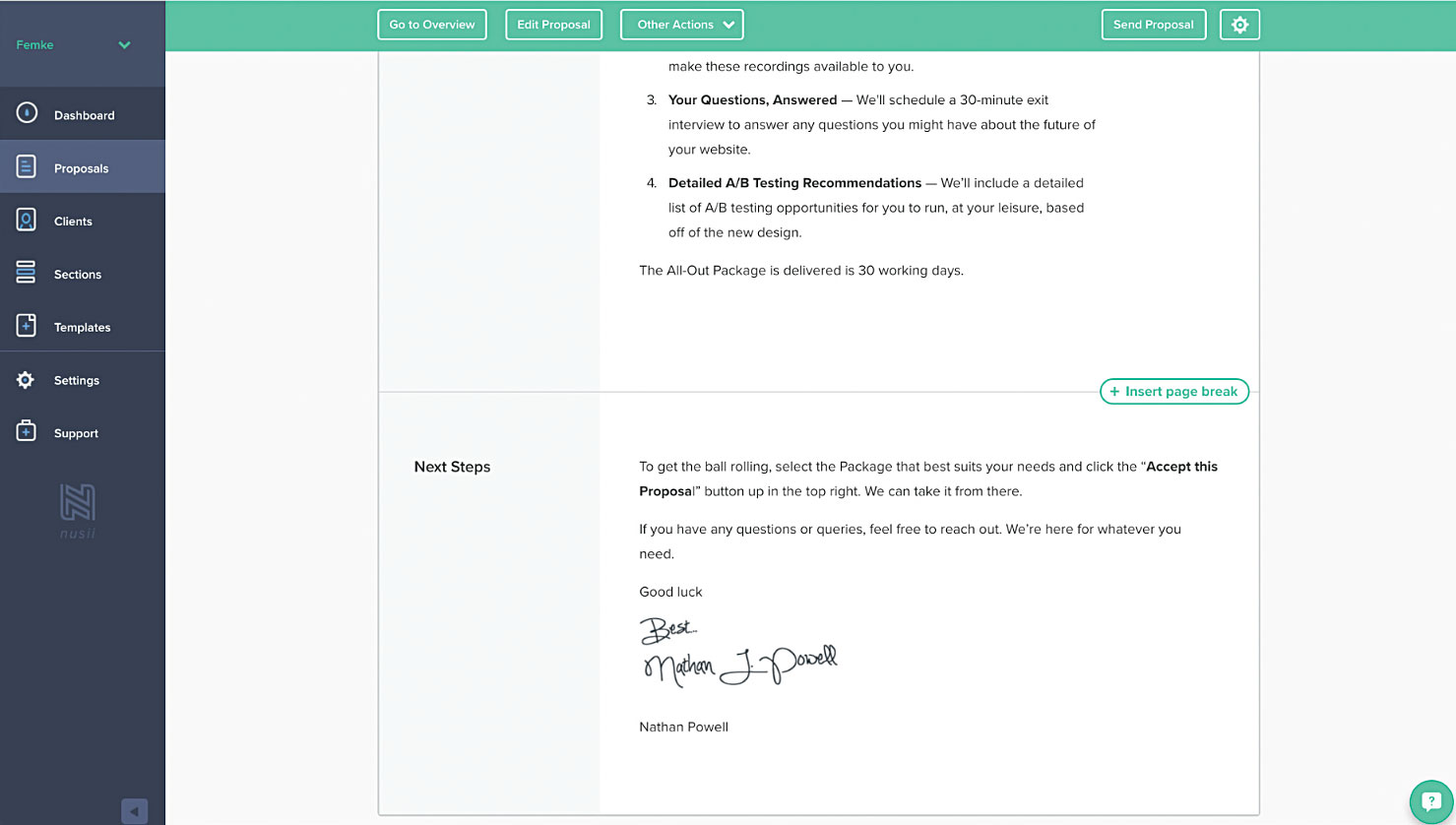
Not only does Nusii allow you to create a proposal, but you can also see the sales rate or acceptance score of the proposal using it. I appreciate the app for using the data in a useful way to help users track the progress of their proposals. The “send to client” experience is very useful, and you’ll be notified when a client views the proposal.
Editing a proposal in Nusii is very simple and attractive. However, its visual settings are limited and you can't insert tables into it - an odd decision considering that freelancers often like to separate their inputs and outputs into tables. One thing to note is that the tool supports a number of popular currencies and languages, so you can use it almost anywhere.
03- Propose
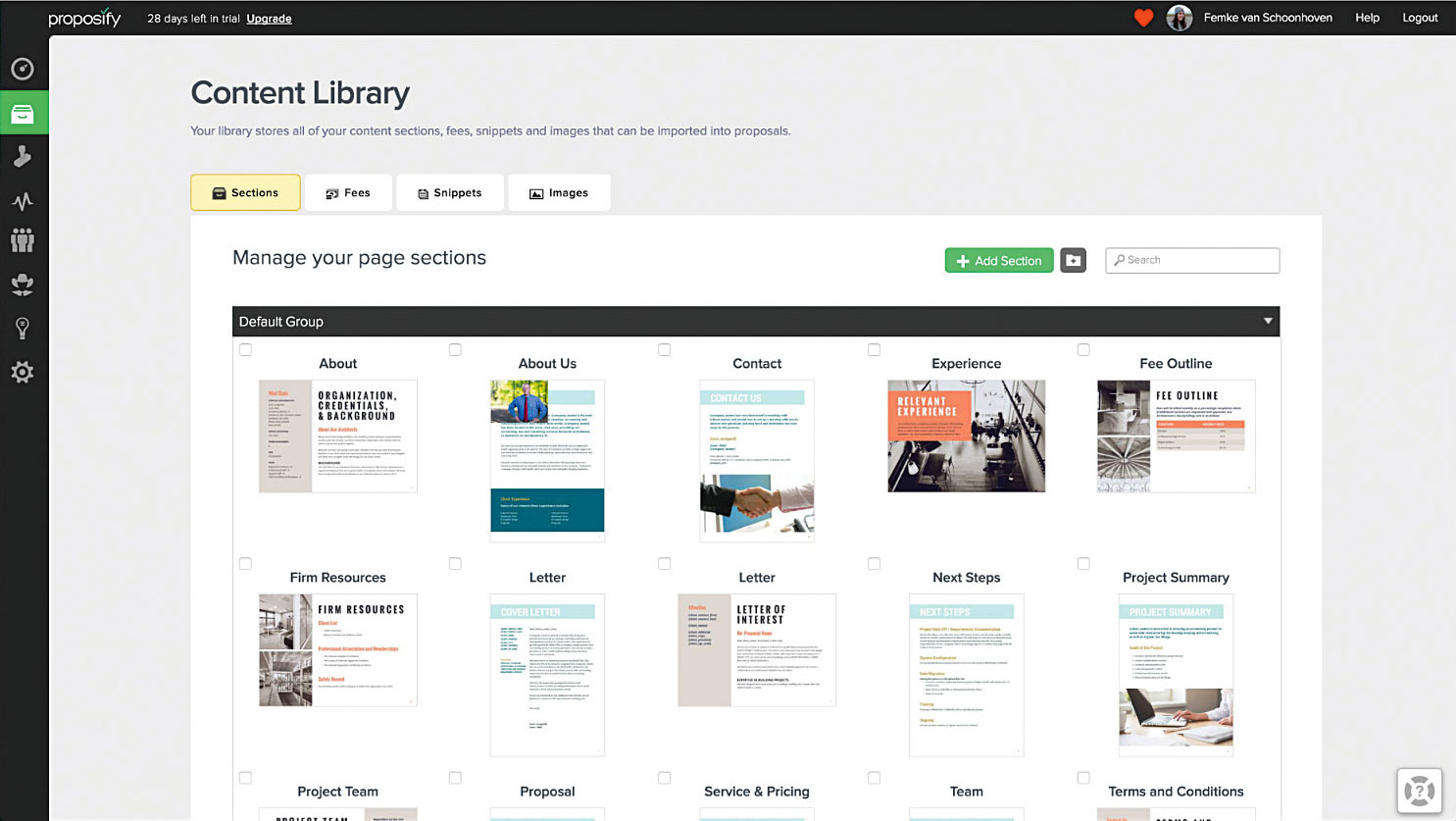
Choose a proposal template to get started with the WYSIWYG option
A true WYSIWYG tool, Proposify starts with access to a ton of templates. Very sleek and pretty, the templates give you a good place to start, though if you’re new to proposal writing, its editor includes a lot of customizable features (and even some basic drawing tools). However, it works quite like a word processor – you don’t get the elegant proposal writing experience that I personally prefer.
One of the benefits of Proposify is that you can include photos and videos. It also allows you to repurpose and reuse pieces of content within your proposal, which is a time saver in itself.
Investment
Tracking your income and outgoings is essential for any business. If you want to gain better insight into your income, consider the following revenue tools.
04. Invoiced
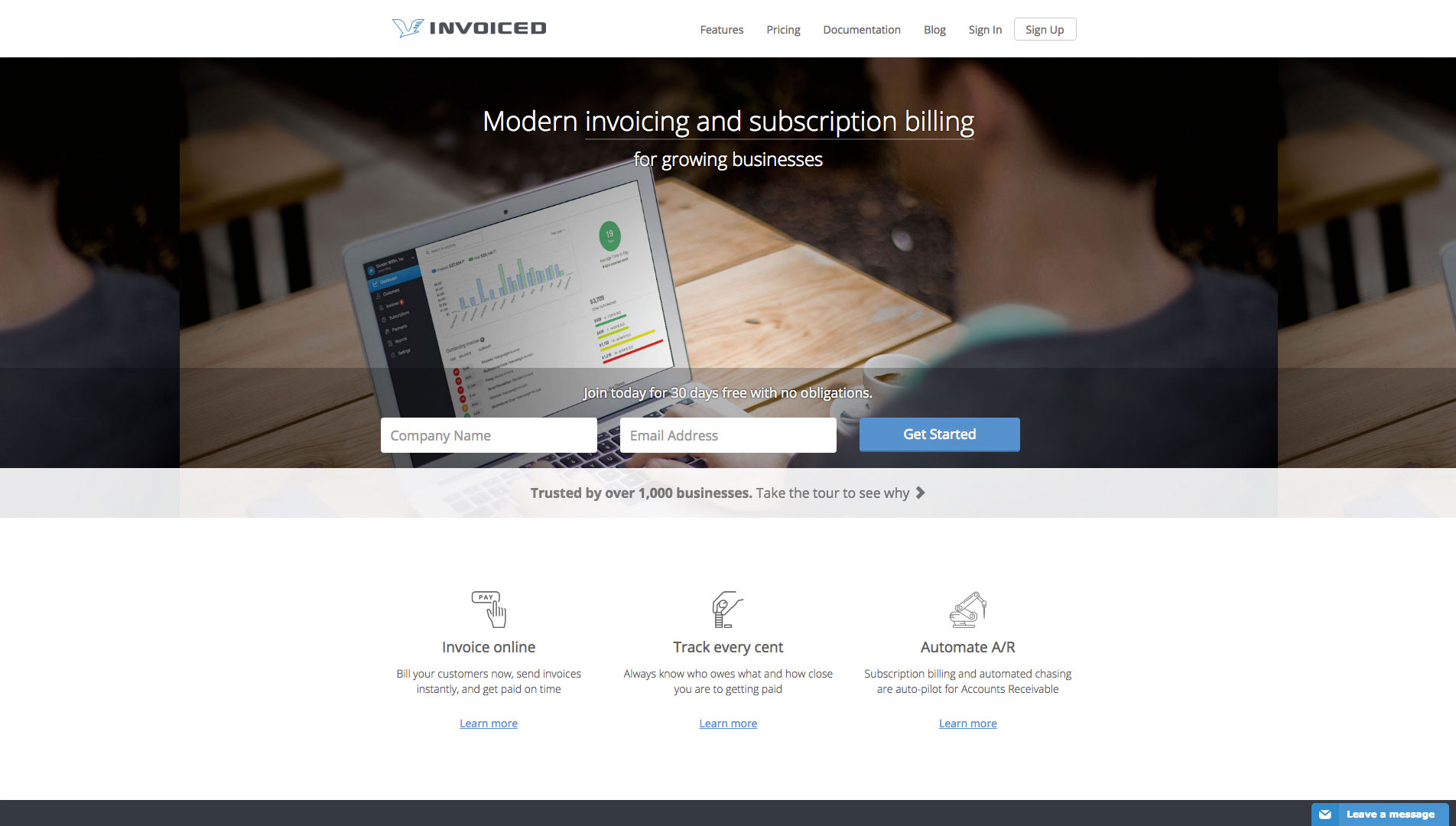
This tool allows you to work with any payment method you like.
Founded by an independent web developer who was inspired by his own personal struggles, Invoiced makes it easier and better to create invoices and send them to your customers. The specific payment method is up to you – integrating invoices with Stripe allows you to set up online payments via credit card, Bitcoin, PayPal, or even offline.
One of Invoiced's features is that it can track collections performance, how long it takes on average to get paid, and any monthly revenue. If you use an accounting program to track your finances, Invoiced integrates with both Xero and QuickBooks.
05- Zipbooks
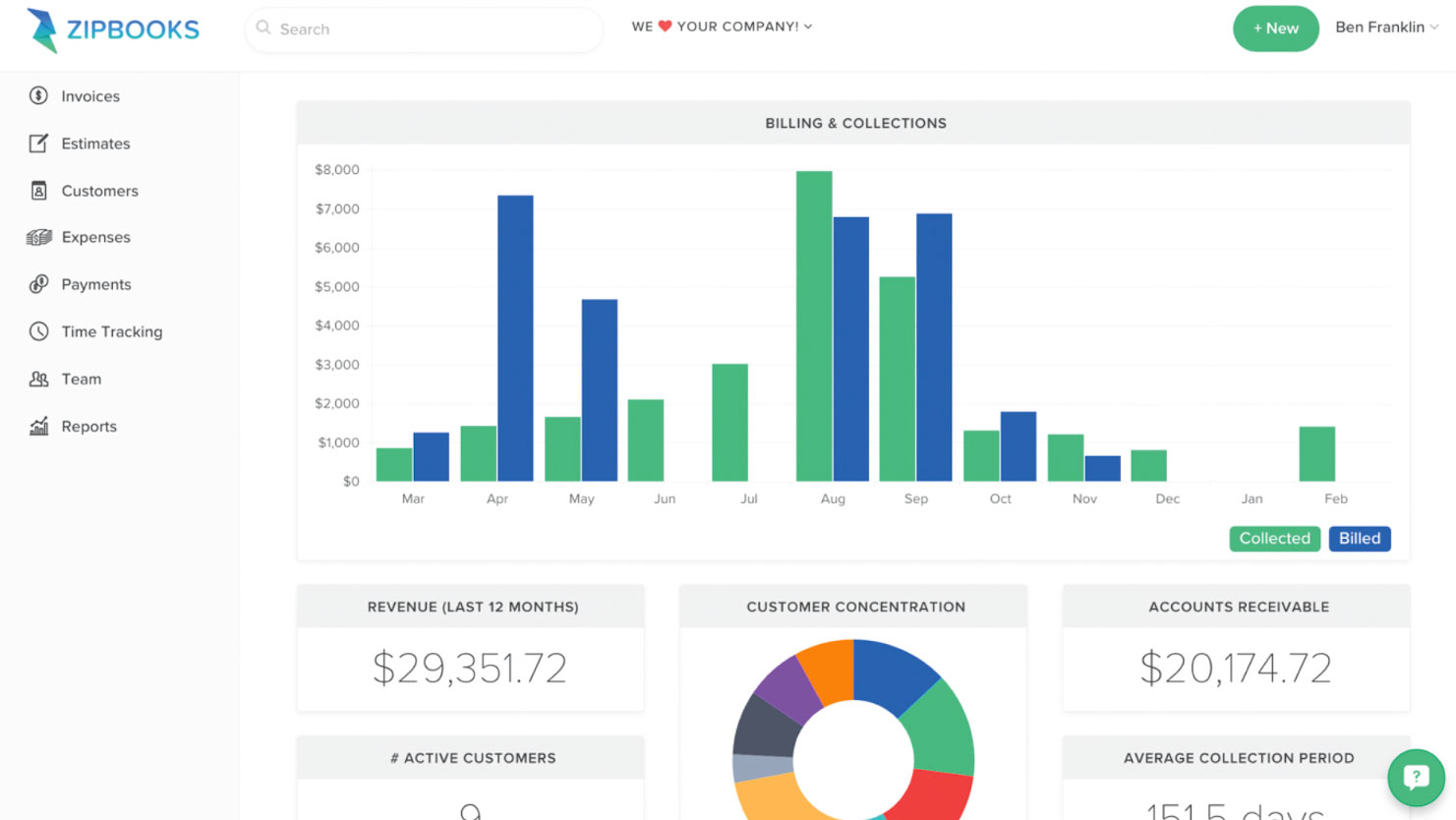
This new accounting tool lets you track all the details of your finances.
ZipBooks is an accounting tool that is not only free but also beautifully designed and easy to use. You can use it as an invoice generator, time manager, track payments and clients, manage your expenses, and more. Once you log in, you Space You'll see the beauty of it, as the invoice shows you the total against the total, the last 12 months' revenue, the average total for the period, and more. Easily, you can set up a reminder for past payments for customers who need it.
06- Momenteo
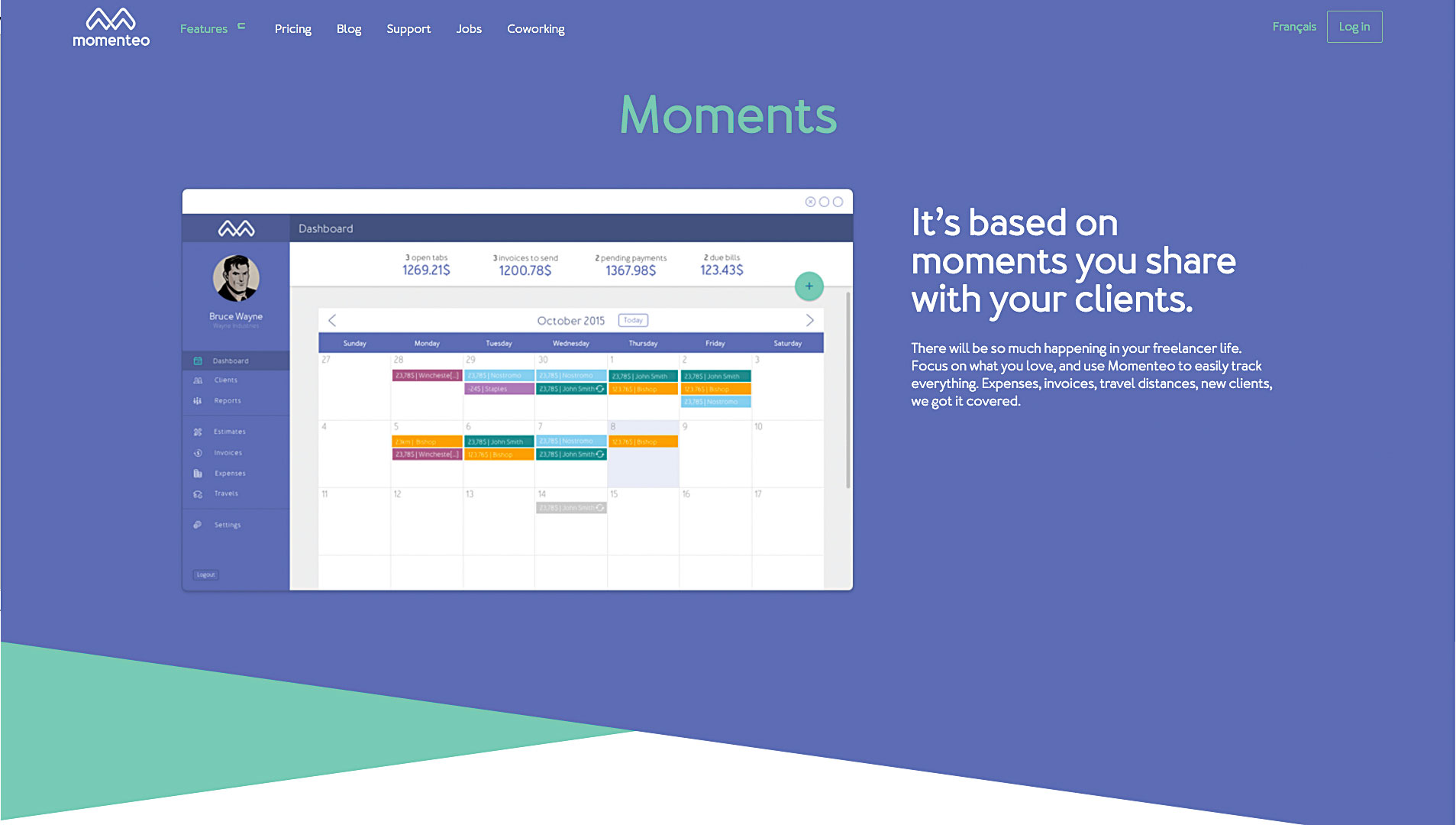
With these travel expenses, Momenteo is a good fit for freelancers who are constantly on the move digitally. Momenteo also converts approved expenses into invoices without any extra work. Unlike many other tools, Momenteo only has one pricing plan, with monthly and annual payment options. You get unlimited access to all features and functionality during your subscription.
07- Bonsai
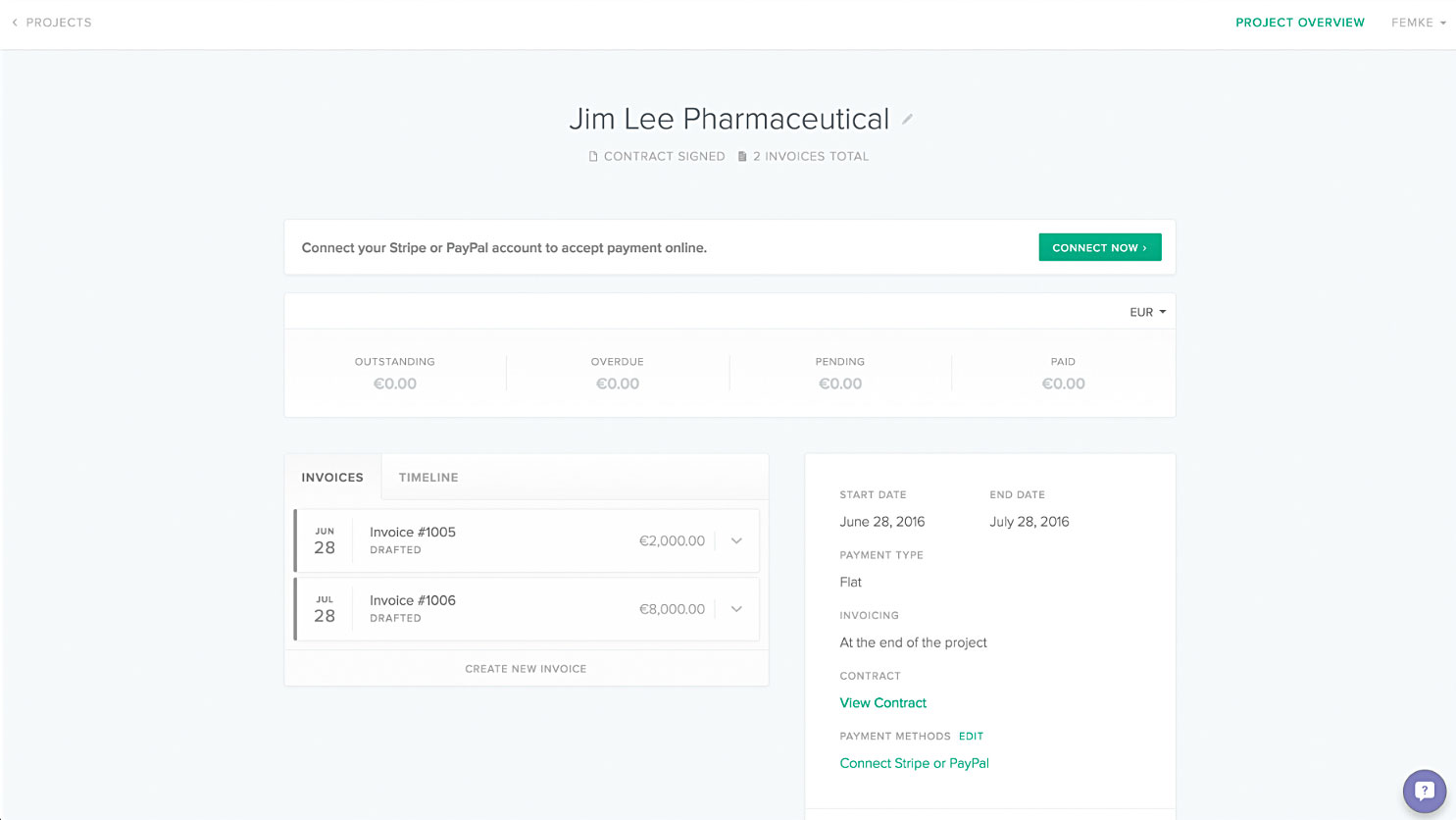
Send contracts, create invoices, and collect installments, all together with a seamless UX.
Still in beta, Bonsai allows designers to submit contracts and collect payments. When you create a contract, Bonsai asks you questions about what type of work you do, to help tailor the contract to your project.
You'll be asked a few questions, including basic information, project summary, score, when you'd like to be paid, etc. The app will provide you with an editable contract in your name that you can send to the client directly from the app. Once the contract is signed, Bonsai will issue you an invoice for it. You can also set up contracts to be recurring.
Not only is Bonsai's functionality good, but its design and functionality are seamless for users. The program is easy to use and enjoyable, and it also removes unnecessary clutter.
08- Wave
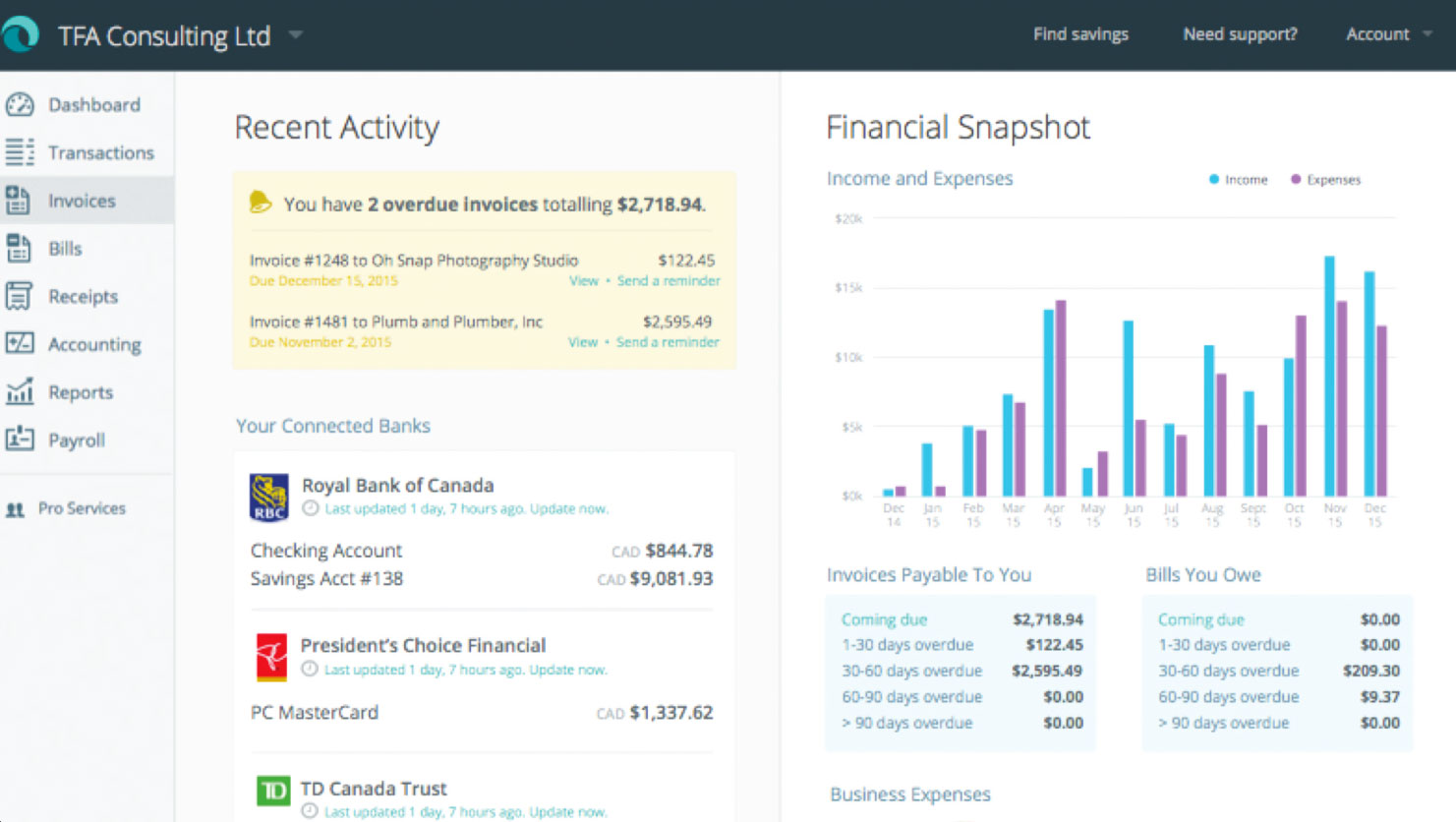
This program has everything an accounting program needs, except for unnecessary extras.
Wave is another popular free option. This simple program has all the features you would expect from an accounting program, except for the unnecessary stuff.
This invoice is moved to the visual section, making it easier to keep track of which section an article should be in to process the payment. The good thing is that you can use it for free and import unlimited invoices through the iOS app.
It's easy to send a receipt, and you can connect it to your bank account by setting up Stripe. There's a monthly payroll feature, but it's limited to the US and Canada. You might want to bring in your accountant to take care of your reports, like your income and expenses.
Legal
Not the most fun part, but definitely one of the most important. Contracts don’t have to be as scary as they seem – they’re good for you and your client. While these tools are helpful and often include templates, I recommend consulting a professional if you’re unsure about the laws in your state.
09- Termsfeed
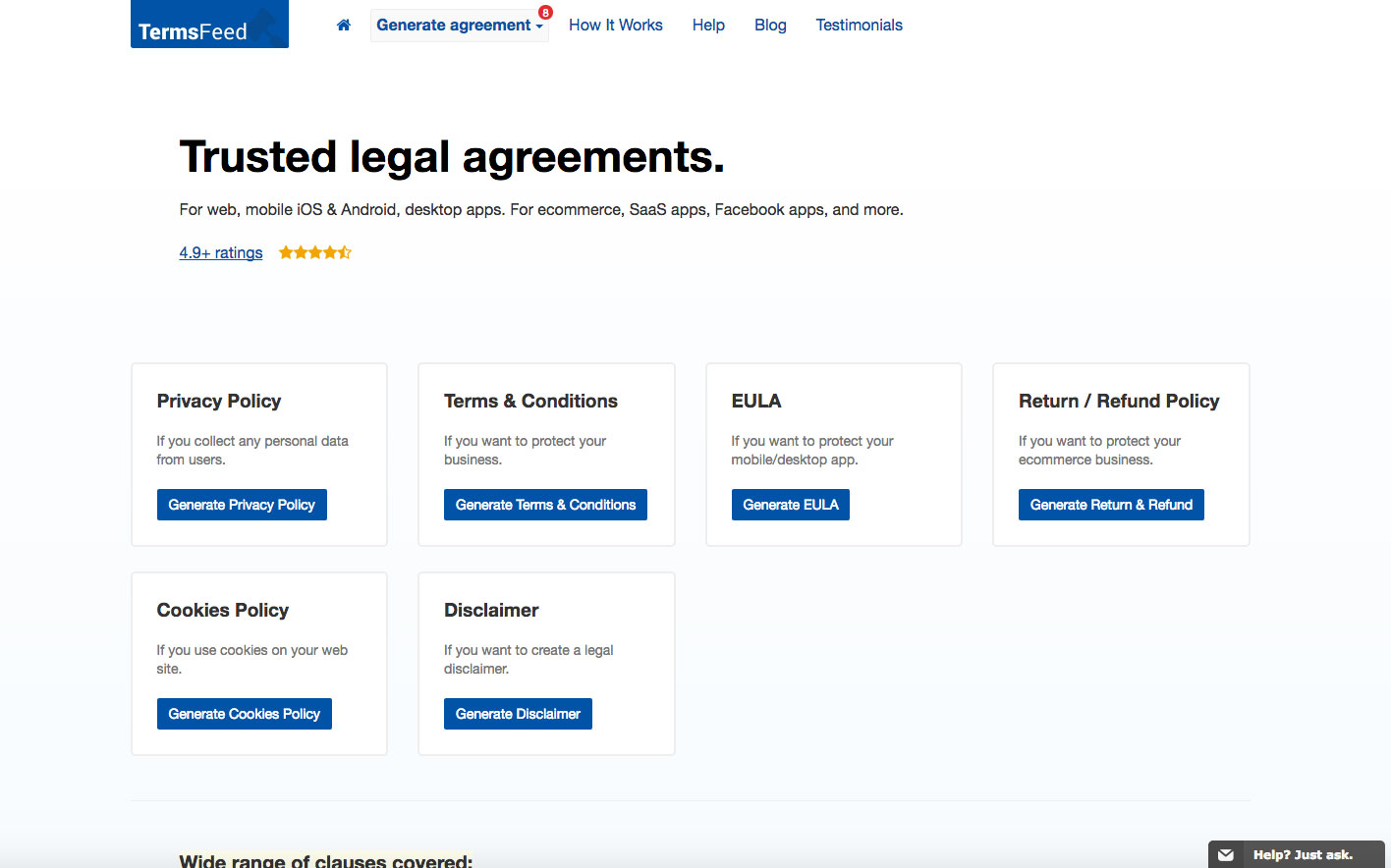
TermsFeed has a wide range of free templates for you to use.
Selling products online? Chances are you’ll need some legal documents to work with, like an open policy. TermsFeed has a wide range of free templates for you to use, including terms and conditions, privacy, and terms of service. There’s also a generator that asks you questions to create a contract tailored to your business.
10- Shake Law
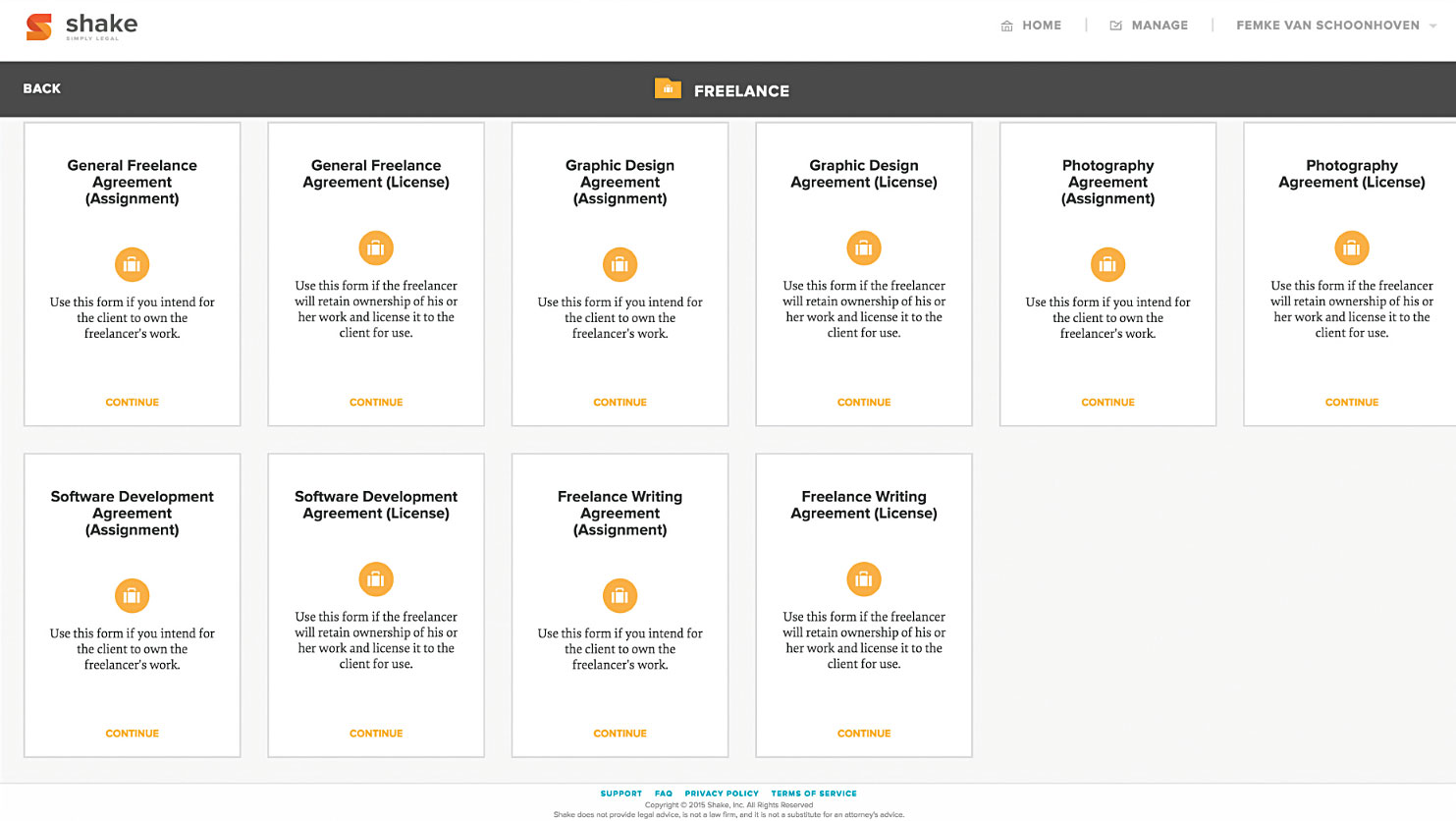
Need a contract? Choose from one of these different templates and get expert advice.
A very basic contract tool, Shake Law allows you to choose from a wide range of contract templates. Another nice feature of this tool is that you can choose a contract template for project licensing or work permits.
Once you create your contract, your contract will be reviewed by a lawyer. While this may seem generous at first glance, Shake Law will redirect you to a law firm, which will result in additional fees.
One of the features of Shake Law is that it is very limited. For example, you can't send the contract to the client (only by downloading a PDF) and there is no way for you to objectively manipulate the raw contract. As a designer, the design and strength of my guarantee is very important to me as I see it as a reflection of my skills and profession. I shouldn't feel comfortable sending something raw to my clients.
Time management
It's something we all wish we had more of: time. Unfortunately, we can't create more time, but we can choose how we spend it. Covering everything from time management to scheduling to estimating, time management tools are incredibly useful for freelancers, even those who don't get paid for their time (like myself).
11- Cushion
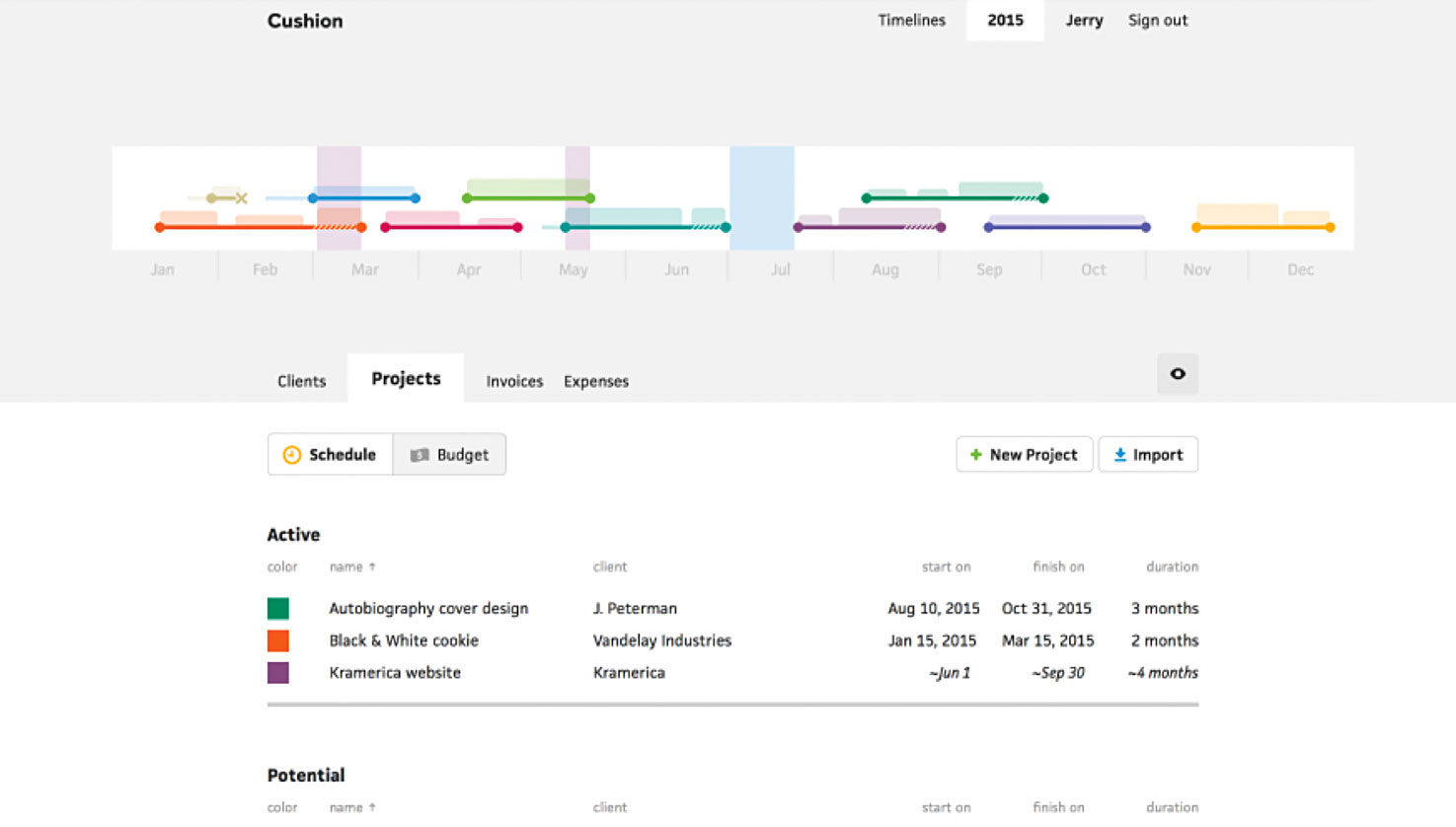
Instead of tracking time, Cushion allows you to set aside time for work and rest.
Instead of tracking time, Cushion helps you plan your time – and not just at work. You can schedule time spent on projects, as well as time off. The tool alerts you when you’re working too hard, preventing burnout and encouraging you to manage your time better. Easy to set up, Cushion places a sign on your site to show when you’re available. This is useful for those interested in working with you.
12- Timely
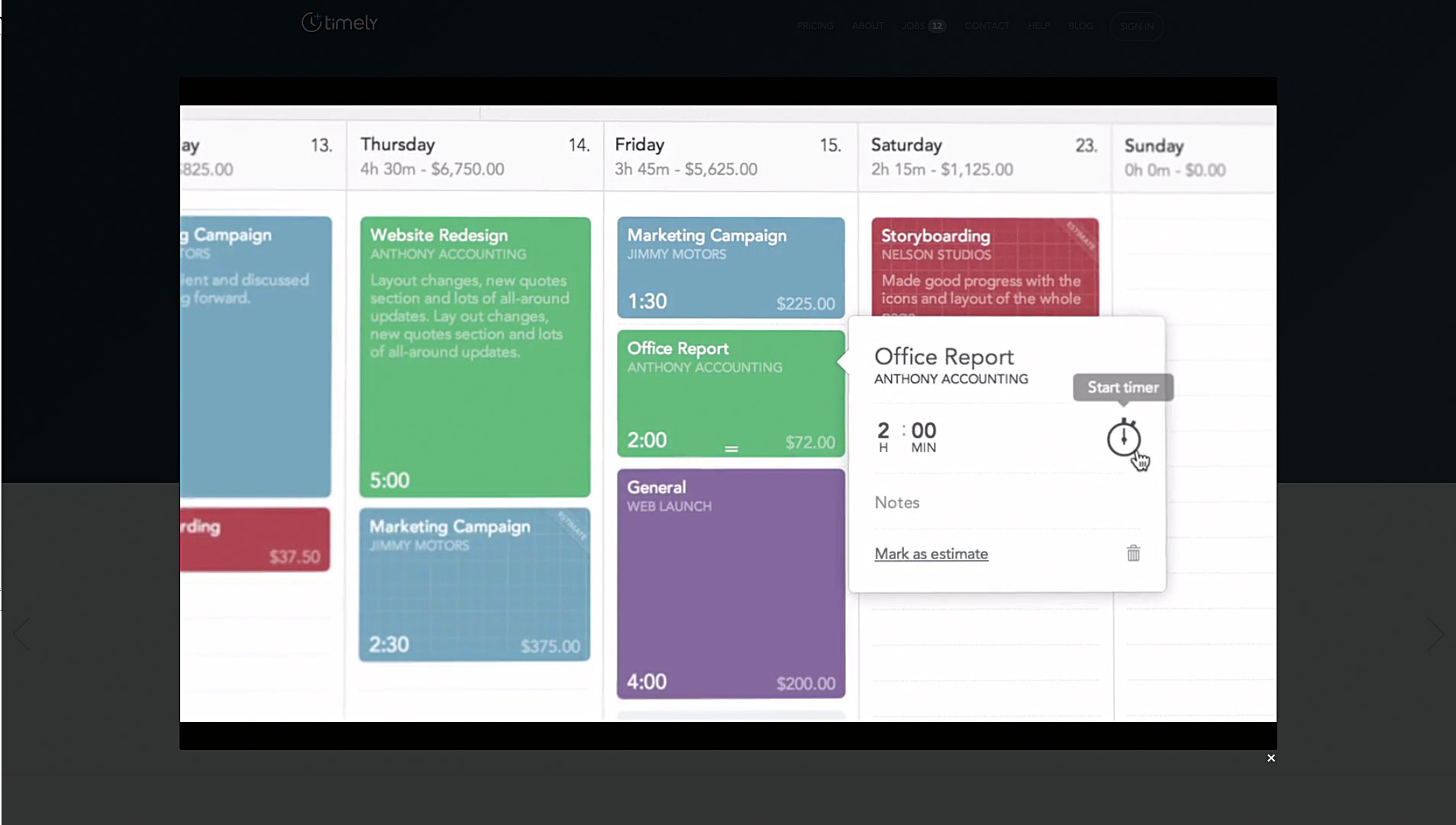
A simple and elegant time management app, Timely greets you with a simple view the first time you log in. There are no timers – instead, Timely encourages you to log the hours you work on a specific project. You can view a history of an article and a complete overview of all time spent across all areas of your business.
This tool helps you enter your planned time and the time you spent on a project and see the difference between it and your estimate. A good way to train yourself to estimate time better, especially if you're always wrong about it. Timely runs in the cloud, or you can use it in your browser.
13- Harpoon
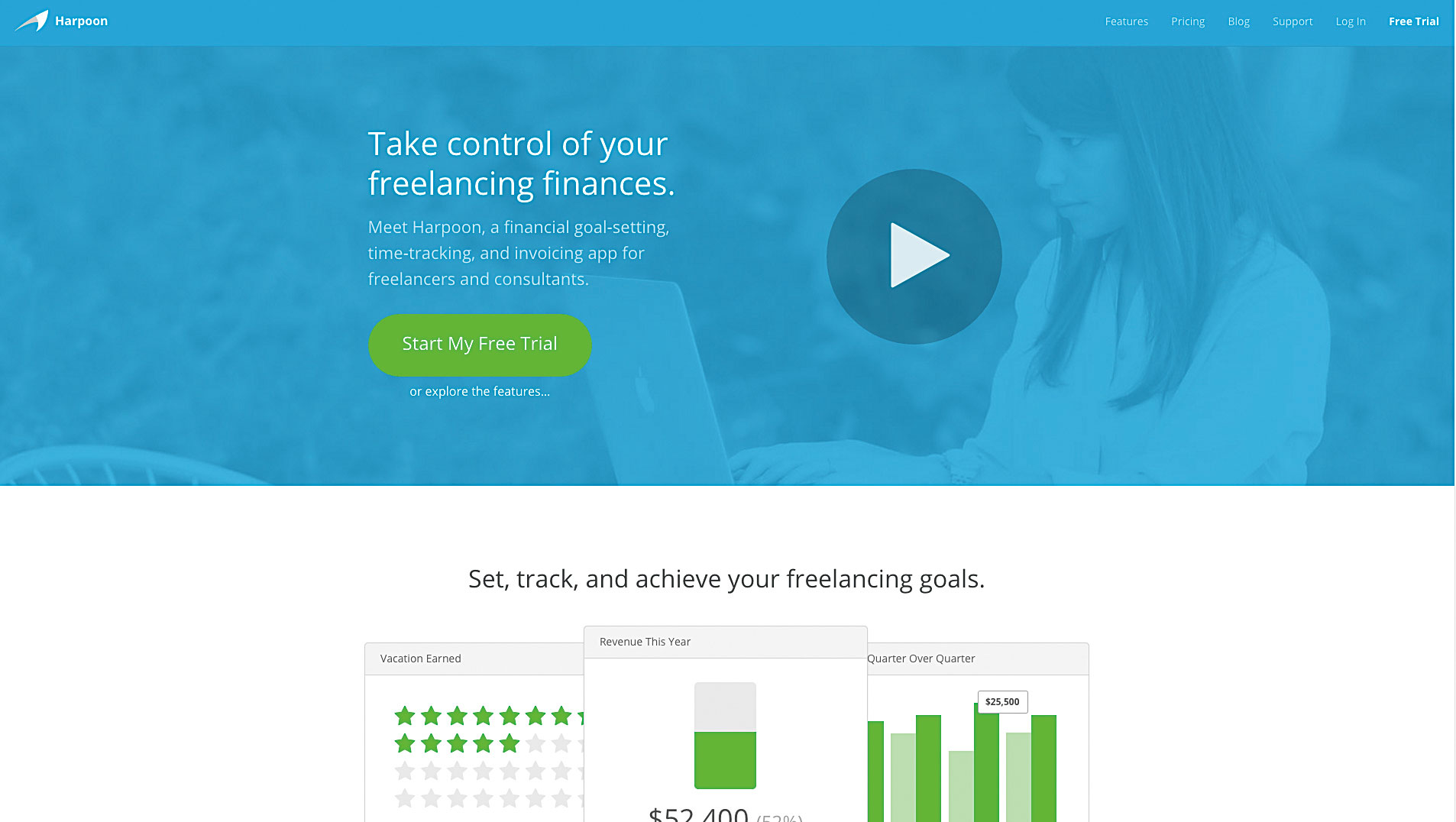
Project creation, time management, invoice allocation and expense recording
Although it may seem overwhelming at first, once you spend a little time with Harpoon to get your bearings, you'll realize that it's a very powerful program. Harpoon allows you to design a project from what you know, and then use it to schedule time and add invoices and costs.
This tool not only prides itself on helping you with invoicing, but also has significant benefits in helping you make better decisions and plan. You can quickly look at your average revenue per project (or per month, day, hour, whatever you prefer) or check your outstanding invoices. There’s also an income forecast, with spaces where you can specify your goals and work habits (for example, how many hours or days per week you work). This creates a great aspect to encourage you to plan consistently and track your goals. Harpoon is almost like an all-in-one app, with reporting and smart dashboard features. The only thing it lacks are contracts and proposals.
14- Freelance
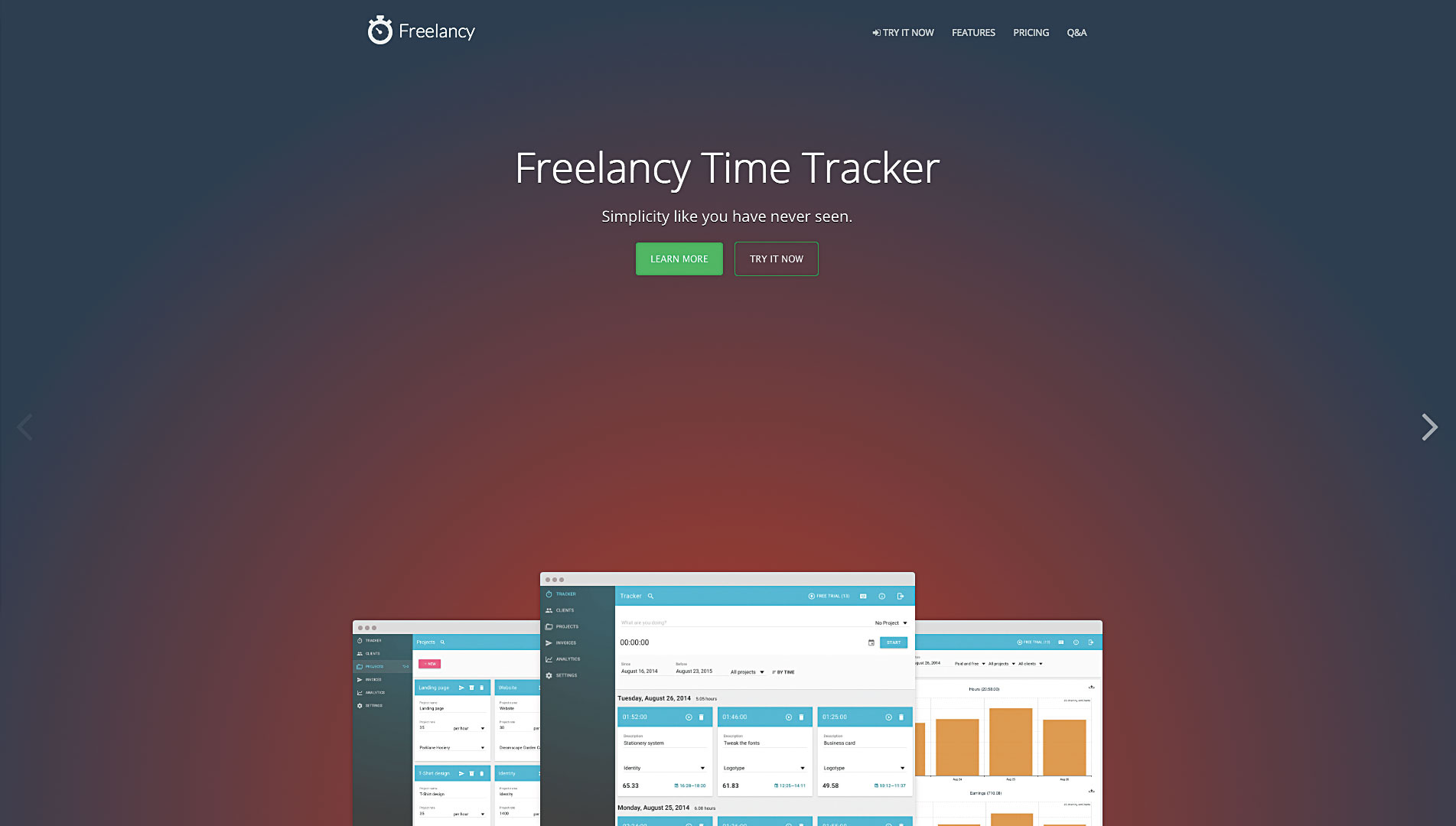
If you bill hourly, Freelancy converts your time spent into a contract; without using math.
Freelancy helps you convert time spent into contracts quickly and easily after the project is completed. I personally don't calculate this way, so this approach doesn't work for me. However, for those who need to bill hourly, I can see this approach being useful since you no longer have to do the math to figure out the ongoing cost.
One of the great features of Freelancy’s reporting is that it gives you a calendar-like overview of how you’re dividing your time. Here you can see the time spent on each project. And you can search for it by date or by project name. This makes it very easy to see how much time you spent on it and when. The reports are exportable. This means you can download them as CSVs and charts for yourself or your clients.
While automatically creating invoices is useful for scheduling time, you can also create it manually if you like. Maybe you're scheduling time for esoteric reasons, or maybe it's not related to the client.
15. Toggl
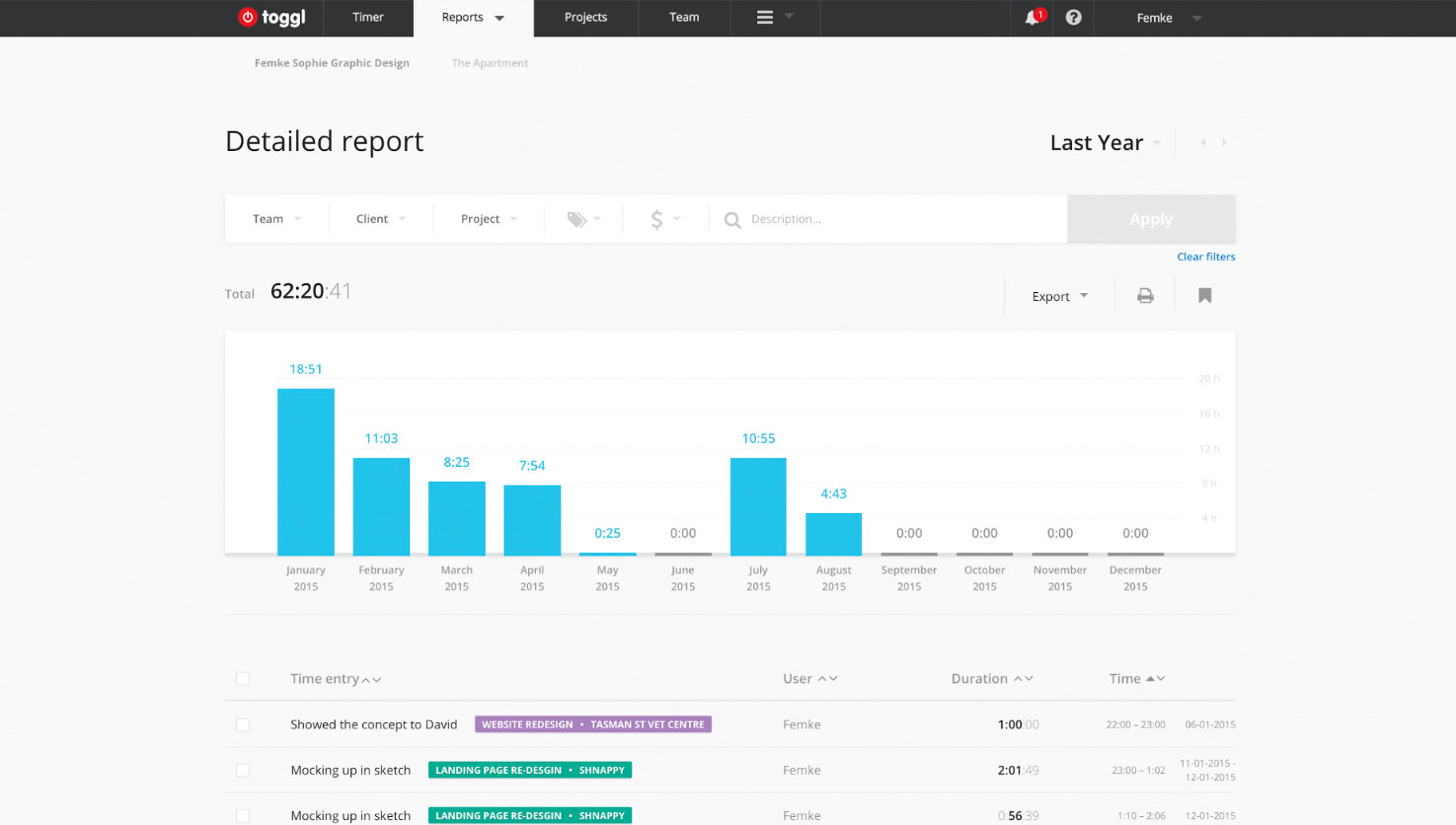
To plan time spent on a project and see summary reports
I've been using Toggl since I first started freelancing. While I don't track my clients' hours or days, the time tracking helps me see how and where I spend my time. After you've set up a time tracking schedule, you need to spend your time on a specific project, and Toggl uses the data to generate reports. The desktop app reminds me of my schedule and allows me to do so without having to log into the web app.
Another feature of toggl is that you can create a personal space and a team-wide space. So I can manage my personal time, of course I can invite a developer or programmer to my workspace if I want to, but not just schedule my own time, but most of the time it saves the project time.
Workflow
Workflow tools often try a little harder to get your head around the complexity they can get, perhaps a little more obscure. I personally use pen and paper, which I trust more, but I definitely appreciate the benefits of having a digital workflow tool, especially when it helps you organize a larger project.
16- Flow
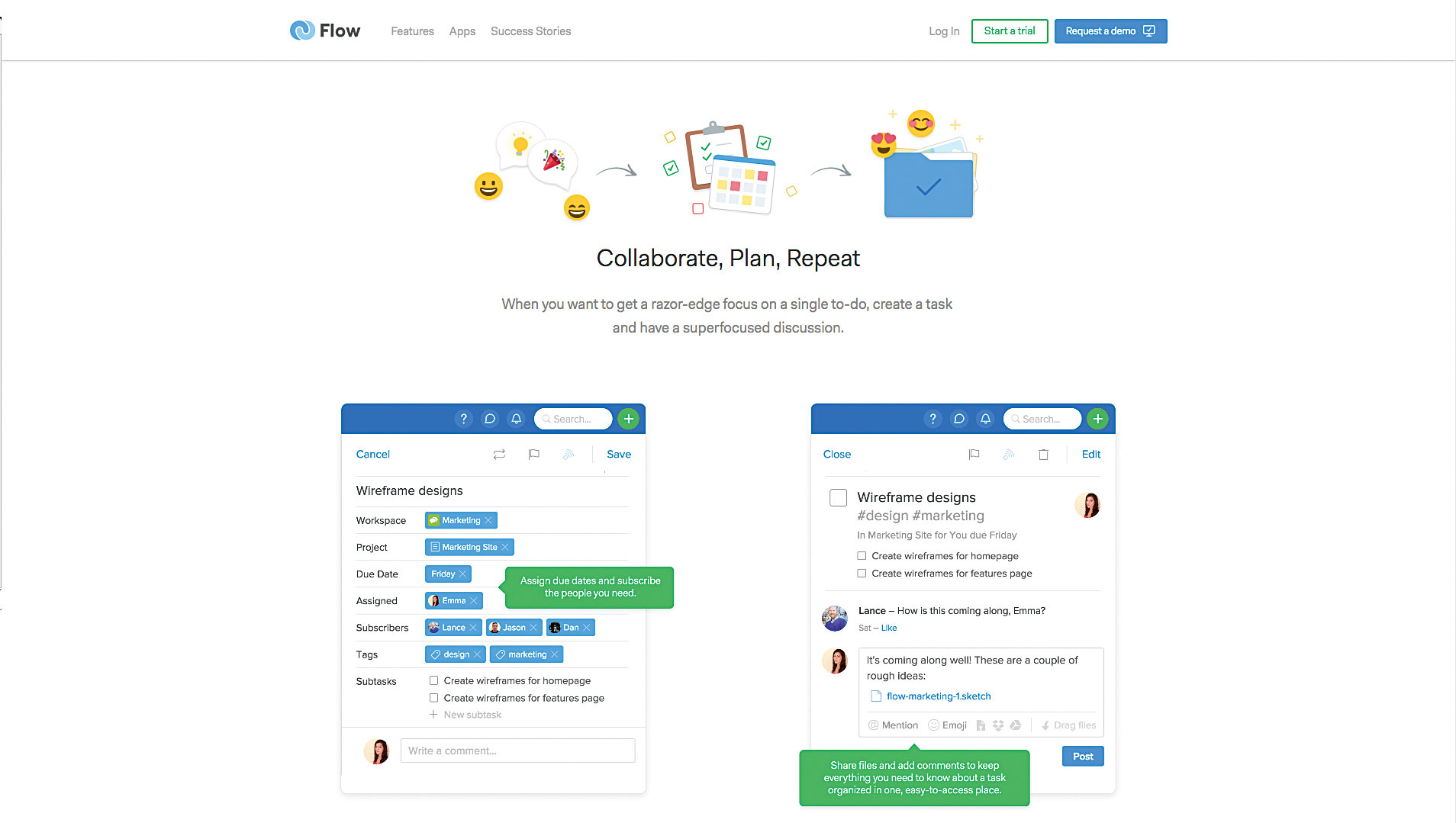
Essentially, Flow helps you create a workspace with individual tasks and keeps projects on top of your priorities.
Like many workflow tools, Flow has a chatroom-like feature that team members can use to discuss the project.
I used its chat feature to communicate with my teammates and it worked well, but it's worth noting that nothing is as easy as Slack.
Another feature of this app is that by activating focus mode, you can temporarily turn off notifications so that your team knows that you are unable to respond.
Users can select tasks to perform, which are parts of the project. Team members are not able to see all parts of the tasks;
In Flow, you are able to personalize some tasks that you can later share with your team.
This is a big help if you want to do something before your teammates find out.
The calendar view gives you a good overview of what's coming up in the near future, and you can choose whether you'd like to see other people's tasks in addition to your own. And if you find some free time, you can also check out the sections that aren't assigned to you and help out.
17- Azendoo
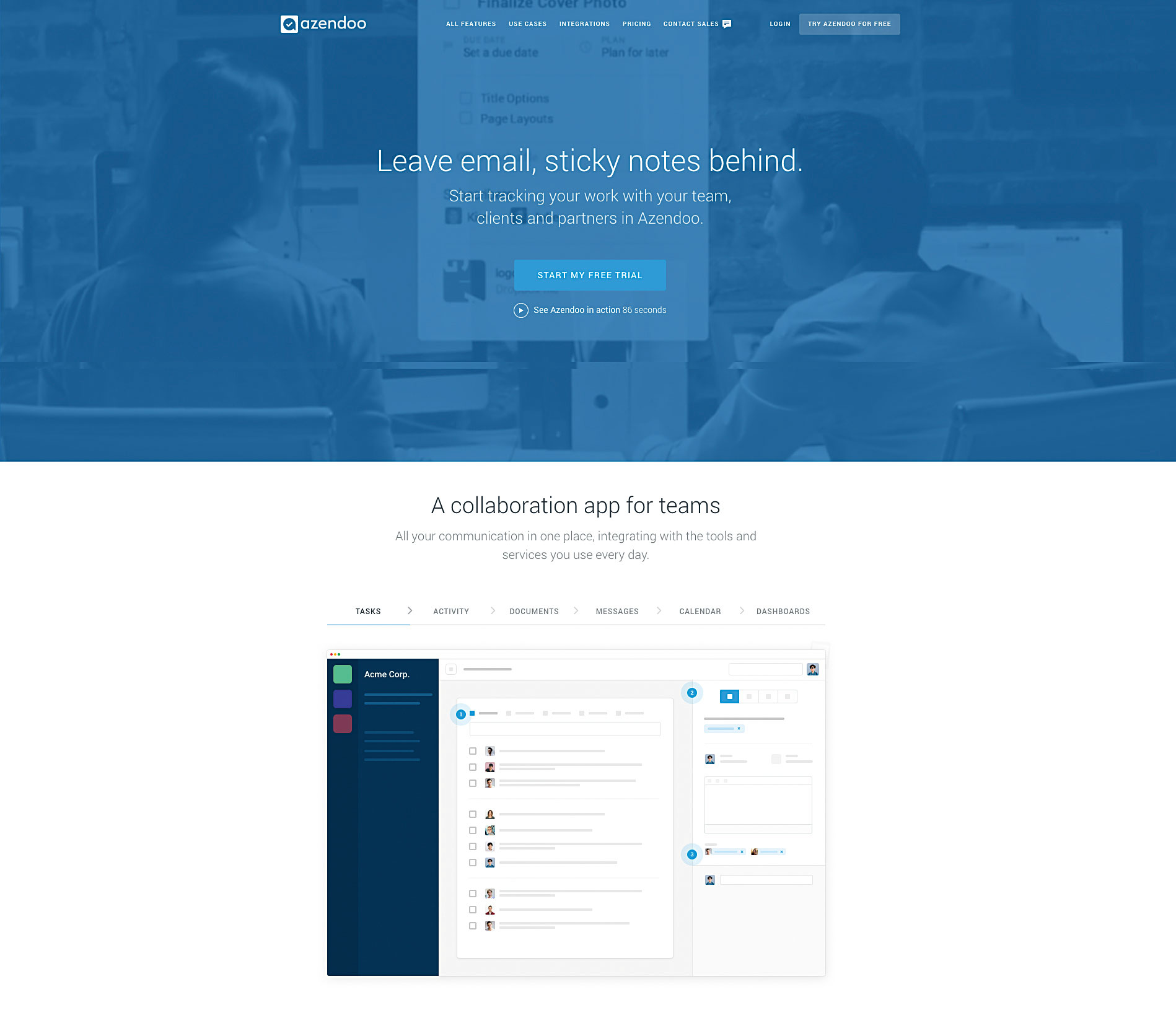
Categorize tasks, view calendar overviews, create recurring tasks, and more
Azendoo is a powerful workflow tool with a beautiful design and user-tested features. View analytics, attach documents, create groups and assign tasks to individuals. All of this in one place; you can categorize tasks, see a calendar overview, create follow-up tasks, set deadlines and finally add checklists. Also create billboard-like messages, send direct messages to team members (if you have them) and view notifications. The best app to keep you on top of things.
Additional tools
Working alone is about much more than finances, time management, and project proposals. Sometimes in this kind of life, it is possible to encounter unexpected problems. I have put together three additional programs that will help you increase your creative power,
Get paid on time (without any stress) and create prototypes of your ideas quickly and easily.
18- Just Tell Julie
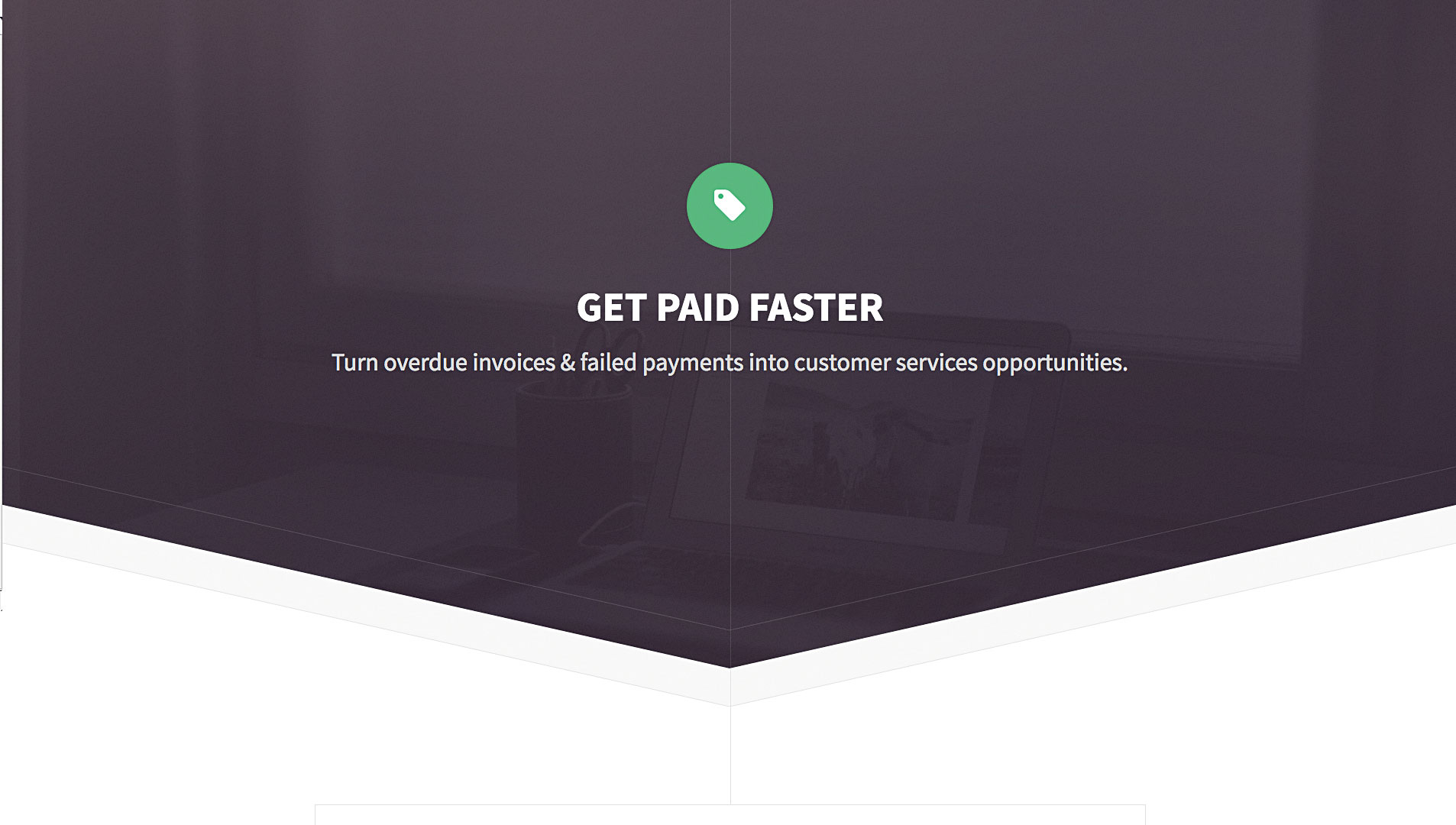
Some of your customers aren't paying? Just call Julie Elester to see your money in the bank.
Are you in a situation where a client isn't paying you? Julie Elster serves as your virtual accountant to collect your unpaid bills; she does her job by contacting your clients and keeping her cool. She has a proven track record and is highly regarded in the freelance industry.
19- Brief Box
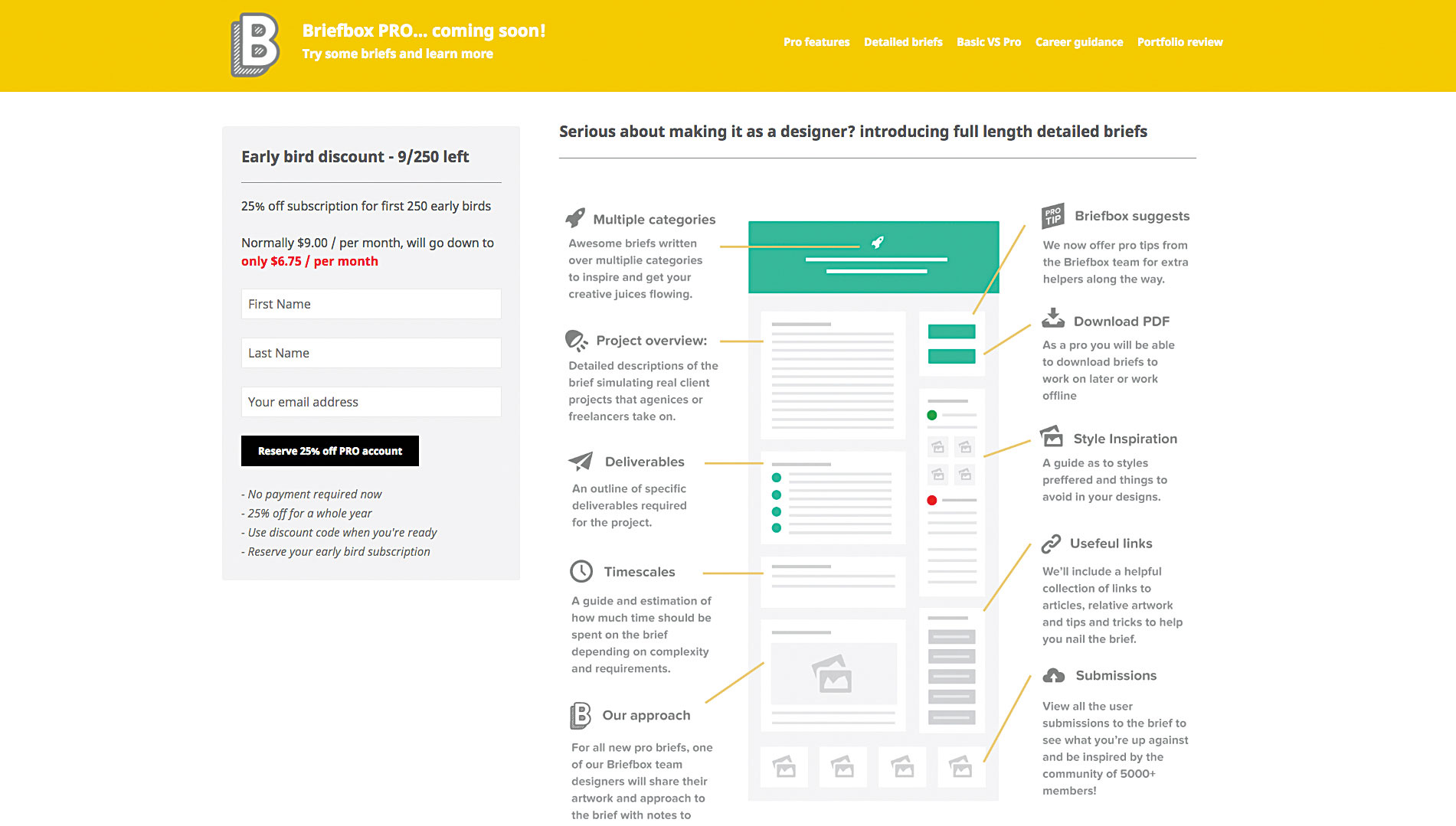
Choose from a wide range of virtual briefs to make your design creative.
Briefbox is a collection of virtual briefs to help your design creativity when you're in between projects. The Briefbox team has created a wide range of virtual briefs – everything from designing a local currency to creating a brand for a designer –
Just choose one and start designing. Once you're done, you can upload it to the site to get feedback from the community.
The team has just launched their Pro account, which offers you tips from business professionals and constructive comments on every post.
20- Atomic
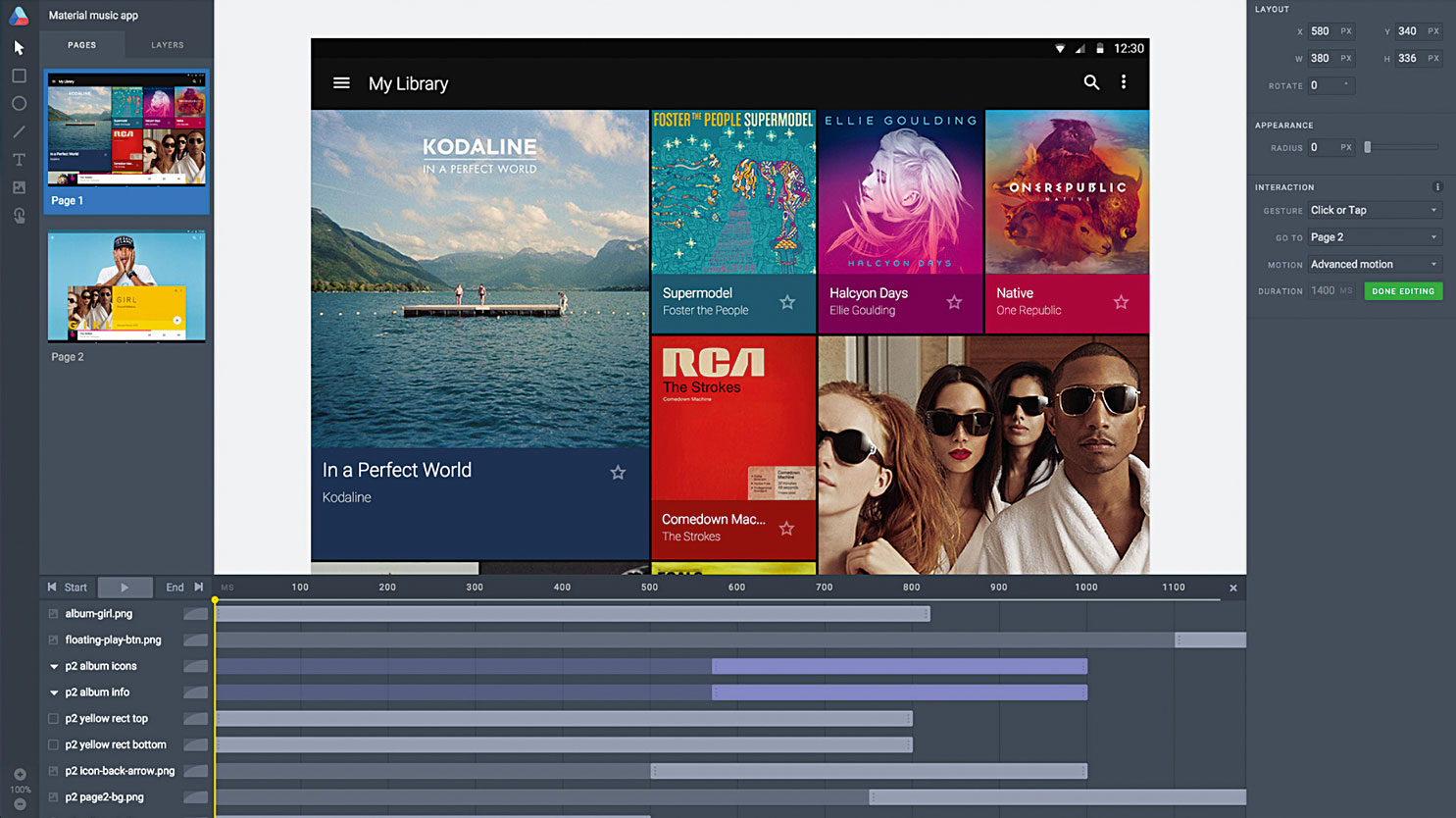
Creating and sharing prototypes with your clients with Atomic is the fastest way to create beautiful two-sided designs. Import an existing design from Sketch or Photoshop (or design in the app itself), then connect the pages together and make small adjustments to the transitions to create a prototype.
Once finished, you can share the initial design by sending a link to the client, who can then provide feedback and criticism on your design.
Conclusion
This list is by no means exhaustive. Hundreds of new tools and programs are released every year, so I encourage you to keep your eyes peeled to see what better ones emerge over time. Remember, there is no one-size-fits-all model when it comes to freelancing. Each tool has its own strengths and set of features, so it may take time to find the best one for your toolbox.