- Why is it important to know the difference between a forward proxy and a reverse proxy?
- Definition and basic difference between forward and reverse proxy
- Practical Use Cases — When to Use Which?
- Protocols, ports, and operating modes
- Practical configuration examples
- Practical tips for security, performance, and monitoring
- Specific application scenarios — trading, gaming, AI, and rendering
- Operational operations and best practices
- Technical Summary
Why is it important to know the difference between a forward proxy and a reverse proxy?
In modern networks and architectures, the choice between Forward proxy and Reverse proxy It has a direct impact on security, performance, and scalability. This document is written from a technical and practical perspective for site administrators, DevOps, network administrators, traders, and gamers to clarify what each role is and how it can be applied in different scenarios (websites, VPS trading, gaming, AI/GPU services, and rendering).
Definition and basic difference between forward and reverse proxy
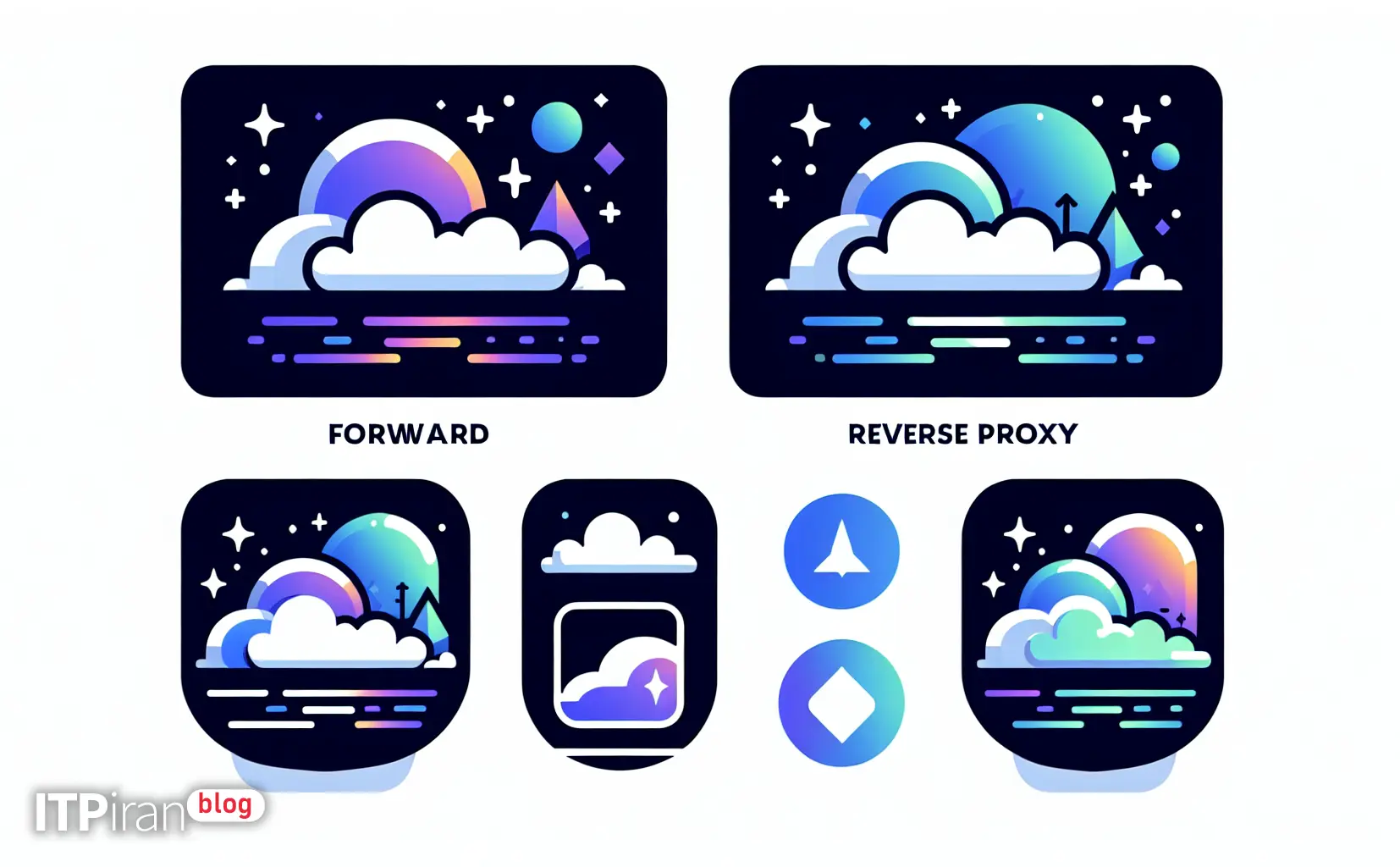
– Forward Proxy: Sits between the client (e.g., the user's browser or internal server) and the Internet. The client connects to the proxy and sends outbound requests on its behalf. The main purpose is to: Privacy, filtering, centralized caching, and bypassing geographical restrictions.
– Reverse Proxy: Sits between the internet and backend servers. Clients connect to the reverse proxy, and the reverse proxy directs the request to one of the internal servers. Applications include load balancing, TLS termination, caching, and security enhancement with WAF.
Short comparison table (summary)
– Connection side: Forward = from the client; Reverse = from the server.
– Main goal: Forward = Anonymization/Filtering/Bypass; Reverse = Traffic Distribution/Protection/Cache.
– Location: Forward in the client network or internal edge; reverse in the data center edge or CDN.
– Software example: Squid (forward), Nginx/HAProxy/Varnish/Envoy (reverse).
Practical Use Cases — When to Use Which?
When Proxy Forwarding is Appropriate
- Internet access policy: Companies to control access (white/blacklist) and log users.
- Centralized caching to reduce bandwidth consumption: cache pages, packages, or binaries.
- Bypassing geo-restrictions or external monitoring: To test the user experience in other regions.
- Example for DevOps: Testing external services from within the network with specified output rules.
When a reverse proxy is appropriate
- Load balancing between multiple servers (load balancing): Using Round-robin, least_conn or other algorithms.
- TLS termination: Processing TLS on the edge and sending internal traffic without TLS or with new TLS.
- CDN and Edge Layer Cache: Reduces load on the main server and increases loading speed.
- WAF and protection against application layer and DDoS attacks: enforcing ModSecurity or rate-limiting rules.
- Gateway for microservices: protocol translation, content-based routing, gRPC proxying.
Protocols, ports, and operating modes
– Forward: Typically ports 3128/8080/8000 or SOCKS5 (port 1080); client must be configured except in transparent.
– Reverse: Typically ports 80/443 on the edge; may terminate SNI, HTTP/2, and QUIC.
– Transparent proxy: interception without having to change client settings (e.g. with iptables REDIRECT). This mode Risks to security and log complexity It has.
Practical configuration examples
Simple Squid Configuration as Forward Proxy
Installation and activation:
sudo apt update
sudo apt install squid
Example settings (/etc/squid/squid.conf):
acl localnet src 10.0.0.0/8     # شبکه داخلی
http_access allow localnet
http_access deny all
http_port 3128
cache_dir ufs /var/spool/squid 10000 16 256
Restart:
sudo systemctl restart squidConfiguring Nginx as a Reverse Proxy (TLS termination + proxy_pass)
Installation and activation:
sudo apt install nginxSample config file (/etc/nginx/sites-available/example):
server {
    listen 80;
    server_name api.example.com;
    return 301 https://$host$request_uri;
}
server {
    listen 443 ssl;
    server_name api.example.com;
    ssl_certificate /etc/letsencrypt/live/api.example.com/fullchain.pem;
    ssl_certificate_key /etc/letsencrypt/live/api.example.com/privkey.pem;

    location / {
        proxy_set_header Host $host;
        proxy_set_header X-Real-IP $remote_addr;
        proxy_set_header X-Forwarded-For $proxy_add_x_forwarded_for;
        proxy_pass http://backend_pool;
    }
}
upstream backend_pool {
    server 10.0.0.10:8080;
    server 10.0.0.11:8080;
}
Restart:
sudo systemctl restart nginxHAProxy example for load balancing and health checks
Simple configuration (/etc/haproxy/haproxy.cfg):
frontend http-in
    bind *:80
    default_backend servers

backend servers
    balance roundrobin
    server web1 10.0.0.10:80 check
    server web2 10.0.0.11:80 check
Practical tips for security, performance, and monitoring
Security
– Authentication and ACL: Use auth for forward proxy; use ACL and Web Application Firewall (like ModSecurity) for reverse.
– Restrict IP and port: With iptables or nftables, only the required ports are open. Example:
sudo iptables -A INPUT -p tcp --dport 3128 -s 10.0.0.0/8 -j ACCEPT
sudo iptables -A INPUT -p tcp --dport 3128 -j DROP
– TLS and SNI: Certificate management with Let's Encrypt or internal CA; enable HSTS and TLS 1.3.
– Log maintenance and SIEM: Send logs to ELK/Graylog for attack analysis and troubleshooting.
Performance and cache
– Proper caching with Cache-Control, Expires and Vary to increase hit ratio.
– Use Varnish or Nginx proxy_cache for edge caching.
– Cache hit/miss monitoring and TTL adjustment based on request patterns.
– CDN and Anycast: Reverse proxy/cache distribution across 85+ locations reduces ping and increases availability.
Monitoring and rate limiting
– Tools: Prometheus + Grafana, Datadog or enterprise monitoring services.
– Rate limiting: Nginx limit_req, HAProxy stick-tables to prevent brute-force attacks.
– Health checks and circuit breakers: Use health checks and draining to prevent traffic from being sent to unhealthy backends.
Specific application scenarios — trading, gaming, AI, and rendering
Traders (Trading VPS)
– Requirements: Low ping, stable connection, access to exchange points, and accurate clock.
– Recommendation: Use a location close to exchanges or colocated servers. For API feed aggregation, a reverse proxy can be used as a gateway to manage disconnects and connections smoothly.
– Recommended services: VPS for trading with low-latency network, advanced BGP, and anti-DDoS.
Gamers (gaming VPS)
– Requirements: Low ping and jitter, optimal routing, and servers close to IXPs.
– Note: Adding a forward proxy is usually not suitable for gaming because it adds latency; it is better to use an optimized CDN and BGP and a dedicated server or VPS in a nearby location.
Artificial Intelligence and GPU Cloud
– Need: Load balancing of inference requests, version management, and TLS termination for model endpoints.
– Solution: Use a reverse proxy (Envoy/Nginx) in front of GPU models to manage traffic, circuit breaking, and load balancing between multiple GPU clusters.
– Service: Graphics server (GPU) and computing server with high-speed internal network for moving large data.
Rendering and distributed computing
– Need: Queue management, task distribution, and fast data transfer.
– Proxy role: Reverse proxy can be used as a gateway for API and dispatcher services; using CDN to distribute assets and BGP to deliver to the nearest resource.
Operational operations and best practices
- Always centralize logs and set alerts for error rates and latency.
- Use TLS 1.3, HTTP/2, and QUIC at the edge to improve the user experience.
- Use multiple Anycast locations for RIPE/Geo-routing and lag reduction — having 85+ global locations allows for selection of the closest edge.
- Use an anti-DDoS service at the edge or dedicated anti-DDoS servers to prevent DDoS.
- Use health checks, draining, and gradual traffic shifting for zero-downtime deployment (e.g. with HAProxy or Envoy).
Technical Summary
– Fundamental difference in traffic direction and role: A forward proxy represents the client, a reverse proxy represents the server.
– Each has different tools and is designed for distinct purposes: forward for privacy and filtering, reverse for accessibility, security, and performance.
– In practice, a combination of both is common in large architectures: forward in the company's internal networks and reverse at the data center/CDN edge.
To review your exact network needs or implement the right proxy (e.g., low-ping trading VPS, reverse proxy in front of GPU clusters, or multi-location Anti-DDoS and CDN solutions), you can benefit from expert advice; the support team is ready to review and design custom plans tailored to your traffic, security, and scale needs.