- Which network file system solution is best suited for your needs?
- DigitalOcean NFS vs AWS EFS vs GCP Filestore — Summary of the differences
- Architecture and scalability
- Performance and optimization (throughput, IOPS, latency)
- Security and access control
- Management, backup and availability
- Drawing practical mount and setup examples
- Integration with Kubernetes
- Cost and economic choice
- Selection based on Use Cases
- Practical advice and final security tips
- Conclusion
- Technical and support options
- Frequently Asked Questions
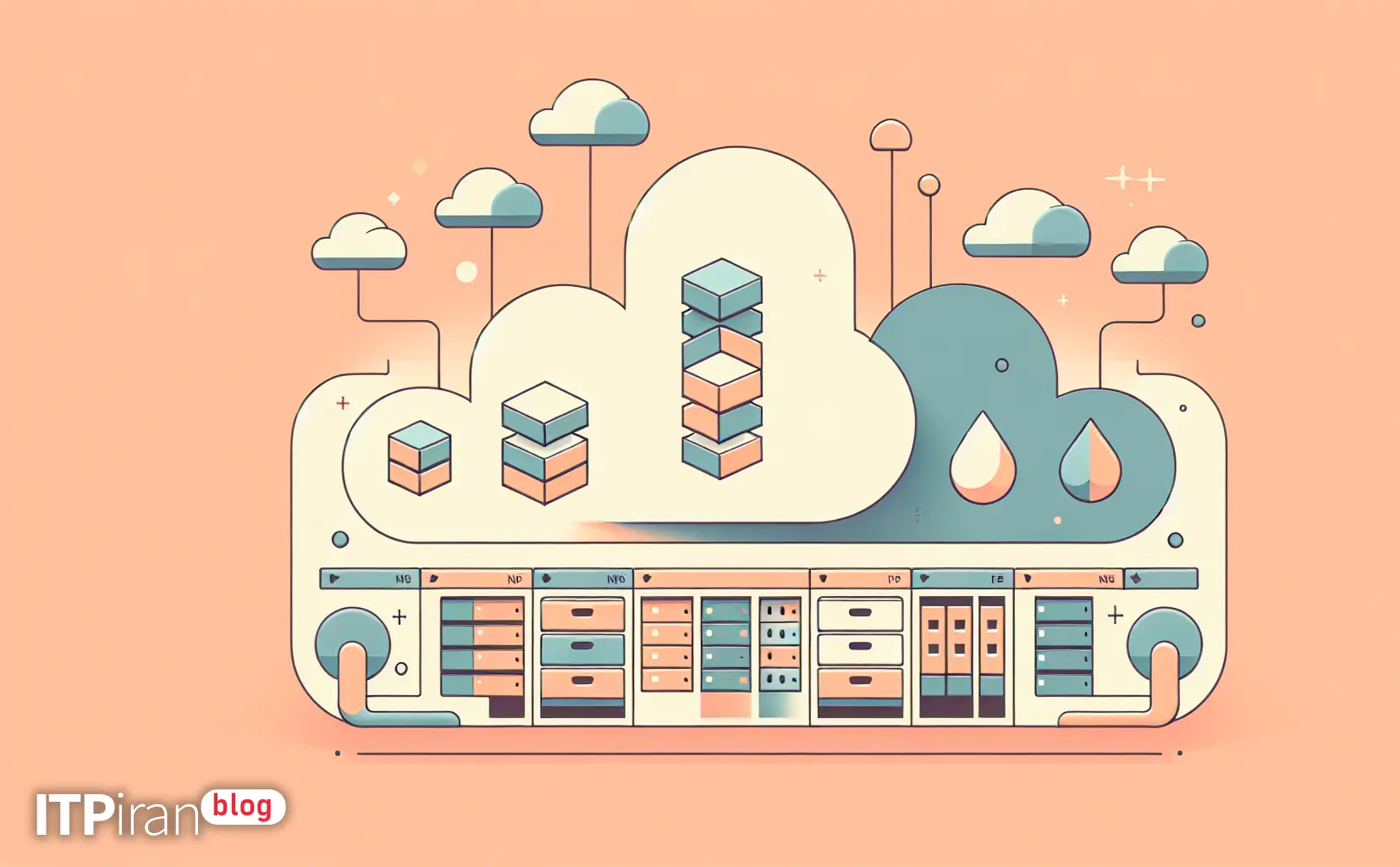
Which network file system solution is best suited for your needs?
This technical and practical guide compares DigitalOcean NFS (self-management), AWS EFS and GCP Filestore This article aims to help you make a more engineering-oriented decision based on architecture, performance, security, approximate cost, use cases, and installation and testing examples with Linux commands.
DigitalOcean NFS vs AWS EFS vs GCP Filestore — Summary of the differences
AWS EFS: Fully managed NFS service with support NFSv4.0/4.1, automatic scaling to petabytes, performance modes (General Purpose / Max I/O), throughput modes (Bursty / Provisioned), encryption at rest and in transit (with mount helper), and integration with IAM and KMS for key management.
GCP Filestore: Managed NFS service (usually NFSv3) With performance tiers (Basic SSD/HDD and High Scale/Enterprise), emphasizing predictable performance and low latency within a VPC, suitable for GKE and workloads that require consistent IOPS/throughput.
DigitalOcean NFS: DigitalOcean does not provide a Managed NFS service like EFS/Filestore by default; options include building an NFS server on a Droplet (self-managed), or using distributed solutions (GlusterFS/Ceph), or using Block Storage + software sharing. So in DO, you are responsible for management, HA, backup, and security of network traffic.
Architecture and scalability
AWS EFS
Fully distributed architecture and multiple AZs per filesystem (in case of regional), provides automatic scaling of capacity and I/O.
Suitable for workloads with thousands of simultaneous connections such as web servers, CI/CD, and home directories.
Two operating modes: General Purpose (Lower latency, suitable for most applications) and Max I/O (For very high concurrency with acceptable latency).
GCP Filestore
The examples are Zonal but higher tiers like High Scale They offer more capacity and I/O and are optimized for GKE.
Capacity and throughput are provisioned based on tier and instance; suitable for workloads that require predictable performance.
DigitalOcean (Self-managed NFS)
You set up a Droplet or cluster that runs an NFS server. Horizontal scalability and HA depend on your configuration (replication, DRBD, Gluster/Ceph).
Lower cost, but the complexity of management, backup, and capacity expansion is the responsibility of your team.
Performance and optimization (throughput, IOPS, latency)
General performance tips
For latency-sensitive workloads (such as hosting web files with many small files or metadata-heavy operations), you need low latency and fast metadata operations.
For AI/renders that require high throughput for large files, stable throughput and high power are needed. In some cases Local NVMe Or object storage + staged datasets There are better options.
Practical examples and performance testing
Install the necessary tools for testing (fio, dd, iostat):
sudo apt update && sudo apt install -y fio nfs-common sysstatSimple write test with dd:
dd if=/dev/zero of=/mnt/testfile bs=1M count=1024 oflag=directTesting with fio (e.g. sequential read/write):
fio --name=seqrw --filename=/mnt/fio-test --rw=readwrite --bs=1M --size=10G --numjobs=4 --runtime=300 --group_reportingFor comparison, repeat the test close to the final configuration (number of clients, file types, VPC network).
Security and access control
AWS EFS
Support for encryption at rest (KMS) and in-transit encryption (TLS) with amazon-efs-utils.
Access control via NFS export permissions + Security Groups + IAM for administrative operations.
Example mount with TLS:
sudo mount -t nfs4 -o nfsvers=4.1,tls fs-xxxxxxxx.efs.us-east-1.amazonaws.com:/ /mnt/efsGCP Filestore
The filestore is located inside the VPC; access is controlled via internal IP and firewall rules.
Encryption is performed at-rest and it is possible to use customer-managed keys in KMS.
Example mount:
sudo mount -t nfs -o vers=3 10.0.0.5:/vol1 /mnt/filestoreDigitalOcean Self-managed NFS
Requires configuration of Droplet firewall (ufw/iptables) or VPC private networking; it is recommended to allow NFS access only from specific subnets/ips.
NFS itself does not have in-transit encryption; for encryption from stunnel/sshfsUse /VPN or IPSec.
Example export for nfs-kernel-server:
/srv/nfs 10.0.0.0/24(rw,sync,no_subtree_check,no_root_squash)Management, backup and availability
AWS EFS: Snapshot and lifecycle policies for transitioning to Infrequent Access, multi-AZ redundancy, and high SLA.
Filestore: Snapshots and managed backups in some tiers and Zonal architecture; for HA, replicating in the application tier or using the High Scale tier should be considered.
DigitalOcean Self-managed: You need to set up backup solutions (rsync, borg, snapshots) yourself. For HA you can set up multiple NFS servers with DRBD/Gluster and use floating IP or load balancer for failover.
Drawing practical mount and setup examples
mount AWS EFS with amazon-efs-utils
sudo yum install -y amazon-efs-utils
sudo mkdir -p /mnt/efs
sudo mount -t efs fs-0123456789abcdef:/ /mnt/efs
Or with NFSv4 TLS:
sudo mount -t nfs4 -o nfsvers=4.1,tls fs-0123456789.efs.us-east-1.amazonaws.com:/ /mnt/efsmount GCP Filestore
sudo mkdir -p /mnt/filestore
sudo mount -t nfs -o vers=3 10.10.0.5:/vol1 /mnt/filestore
File /etc/fstab Example:
10.10.0.5:/vol1 /mnt/filestore nfs defaults,vers=3,_netdev 0 0Quick setup of NFS server on DigitalOcean (Ubuntu)
sudo apt update && sudo apt install -y nfs-kernel-server
sudo mkdir -p /srv/nfs/share
sudo chown nobody:nogroup /srv/nfs/share
echo "/srv/nfs/share 10.10.0.0/24(rw,sync,no_subtree_check,no_root_squash)" | sudo tee -a /etc/exports
sudo exportfs -a
sudo systemctl restart nfs-kernel-server
Client:
sudo mount -t nfs droplet_private_ip:/srv/nfs/share /mnt/nfsIntegration with Kubernetes
AWS EFS: efs-csi-driver is available; you can create PersistentVolume / PersistentVolumeClaim and Pods can consume it. Suitable for shared volumes between pods.
GCP Filestore: CSI driver or provisioner available for GKE; predictable performance for file storage to apps.
DigitalOcean: Use NFS provisioner or Block Storage-based CSI solutions (DO Block Storage CSI); for shared filesystems you need to provide an NFS server or use methods like Gluster/Ceph.
Cost and economic choice
AWS EFS: Cost based on usage (GB/month) and throughput (in provisioned mode); fully managed but more expensive than typical block storage.
GCP Filestore: Provisioned based on tier and capacity, cost for guaranteed throughput/IOPS.
DigitalOcean (self-managed): Droplet + Block Storage costs are often lower but the cost of human resources for management and operational risk is higher.
Note: For small workloads and high cost control, a simple NFS setup on DO may be more economical; for scalability, HA, and simpler management, EFS/Filestore has the advantage.
Selection based on Use Cases
Websites and CMS (like WordPress with multiple app servers): If you need limited file sharing and low latency, EFS or Filestore (zonal) is better depending on the proximity of the zone. For lower cost and fine-grained control, self-managed NFS on DO may be sufficient.
Kubernetes and CI/CD: EFS or Filestore with CSI driver is recommended to provide PVs as managed.
AI/Rendering/GPU: For large data (training datasets), a combination of object storage (S3/Spaces/Google Cloud Storage) for data and local cache (NVMe) or Filestore High Scale/EFS with Provisioned throughput for shared datasets is usually preferred.
Game and Trade Server: For low ping, choosing a close location is important; preferably a gaming or trading VPS with local storage or a low-latency file system.
Practical advice and final security tips
Important points:
For workloads with a high number of metadata operations, a low-latency choice (EFS General Purpose or Filestore SSD) is better.
For high throughput and large files, experiment with FIO and multiple real connections and change provisioning or tier based on throughput results.
Keeping regular snapshots and testing restores should be part of the SOP.
Conclusion
If you are looking for a hassle-free, managed service for a highly scalable, HA-enabled network file system, AWS EFS and GCP Filestore They are good choices; EFS It is robust for multi-AZ and auto-scaling, and Filestore Suitable for predictable performance and low latency on GCP.
If cost, complete control, and speed of setup are important to you and you have the management power, building NFS on DigitalOcean Droplets or using Block Storage+clusterfs will be an economical and flexible option.
Technical and support options
For practical testing in locations close to your users, options such as cloud servers and VPS for trading and gaming, GPU Cloud for AI and rendering, VPS with Anti-DDoS protection, CDN, and global BGP with over 85 locations can be explored.
If an evaluation based on precise parameters is required (IOPS/throughput/latency/SLA), the technical team can help select and implement the appropriate plan.